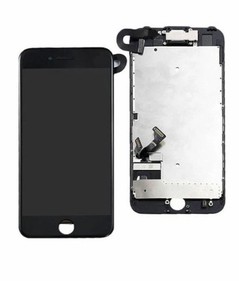
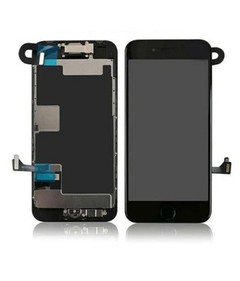
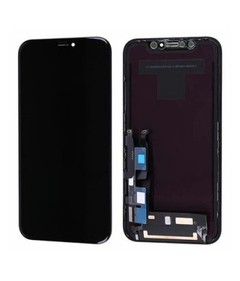
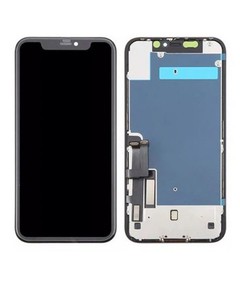
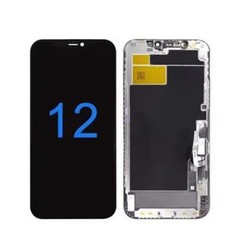
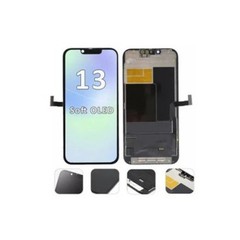
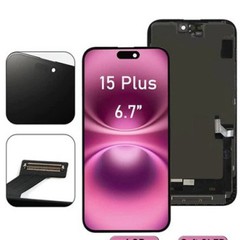
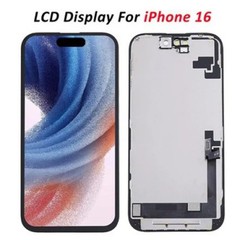

 Every repair shop owner and distributor has lived some version of this story: you finally found a supplier offering iPhone screens 15% cheaper than everyone else, placed a bulk order to lock in the savings, and three weeks later you're dealing with a stack of customer callbacks - dead Face ID sensors, flickering displays, touch panels that lag half a second behind a finger swipe. The margin you thought you captured on the front end gets eaten alive on the back end, in return shipping, replacement units, and - worse - customers who don't come back.
This is the pattern that defines wholesale iPhone screen buying, and it's the reason this guide exists. Most buying advice out there treats the decision as a price problem: find the cheapest supplier, negotiate the best per-unit rate, and you've won. That's incomplete, and for a bulk buyer it's actually dangerous advice.
The real driver of profitability in this business isn't the price tag on the invoice. It's whether the screen grade you stocked actually matches the repair scenario your customer walked in with. A shop that buys the right grade for the right job - even at a slightly higher unit cost - will consistently out-earn a shop chasing the lowest bid, because the second shop is quietly paying for its "savings" in returns, warranty claims, and reputational damage.
This guide walks through everything a wholesale buyer needs to make that match correctly: the product categories you'll encounter, how OEM and aftermarket options actually compare, what wholesale pricing really costs once you account for failure rates, how to vet a supplier before you commit real money, and how sourcing strategy should shift depending on which iPhone generation you're stocking. By the end, you'll have a practical framework for deciding exactly what to stock for your specific business - not a generic "buy this brand" recommendation, but a repeatable decision process.
Why Wholesale iPhone Screen Buying Is Riskier Than It Looks?
On paper, buying iPhone screens wholesale looks like any other bulk parts purchase: find a supplier, agree on a quantity, negotiate a price, place the order. In practice, three things make this category unusually easy to get wrong, and all three trace back to the same root cause - treating screen sourcing as a pricing exercise instead of a matching exercise.
The terminology is confusing by design.
Walk through supplier catalogs and you'll see labels like "OEM," "Original," "Premium," "Grade A," "Incell," "Soft OLED," "Hard OLED" - sometimes several of these terms stacked on a single listing. Some of that language is used honestly to describe genuine quality tiers. Some of it is marketing designed to make an aftermarket panel sound like a genuine Apple part. Buyers who don't already know the underlying technology have no reliable way to tell the difference just by reading a spec sheet, and that ambiguity is exactly where bad purchases happen.
Quality control varies batch to batch, not just supplier to supplier.
This is one of the most consistently reported frustrations among bulk buyers: a supplier that shipped a flawless batch last quarter ships a batch with visible light leakage or inconsistent touch calibration this quarter. Unlike a lot of consumer electronics accessories, screen assemblies are sensitive to manufacturing tolerances that don't always show up until the part is installed and used for a few days. That means a single satisfactory sample order doesn't guarantee the next 200 units will perform the same way.
The cost of a wrong purchase compounds.
A wrong-grade screen doesn't just cost you the price of the part. It costs you the technician's labor to install and then reinstall it, the shipping both ways if you're returning it to the supplier, the customer's trust if the failure shows up after they've left the shop, and - in the worst case - a public review that costs you future business you'll never see reflected in any spreadsheet.
None of this means wholesale buying is a bad strategy - it remains one of the most reliable ways to reduce per-unit costs and keep a repair business stocked and running. It means the buyers who do well are the ones who've replaced "find the cheapest option" with a structured way of matching screen grade to repair scenario. That structure starts with understanding what you're actually choosing between.
Understanding iPhone Screen Types: The Complete Attribute Breakdown
Before you can make a smart wholesale decision, you need a clear mental map of the categories on offer. Every screen you'll be offered by a supplier falls into one of a handful of buckets, and each bucket carries different implications for cost, performance, and the kind of customer it's appropriate for.
OEM Screens
OEM ("Original Equipment Manufacturer") screens are produced by the same manufacturing partners that build screens for genuine Apple devices, using the same design specifications. In practice, supply reaches the wholesale market through production overages, salvage from used devices, or components diverted before final Apple-branded packaging and serialization. Because they're built to the same design as the original part, OEM screens typically deliver full compatibility with True Tone, Face ID, and - on newer models - ProMotion refresh rates, with color calibration and brightness that matches what the customer had before the crack.
The trade-offs: OEM supply is limited and inconsistent, prices sit meaningfully higher than aftermarket alternatives, and because these units usually lack Apple's official serialized hardware pairing, some functions can behave unpredictably depending on iOS version and repair method. Buyers should also scrutinize adhesive quality and ambient light sensor accuracy specifically, since storage conditions and handling before the part reaches you can degrade performance in ways that aren't visible on a quick visual inspection.
Best fit:
Repair shops serving customers who specifically ask for "original" parts and are willing to pay for it, and businesses building a premium/warranty-backed service tier.
Aftermarket Screens
Aftermarket screens are third-party manufactured replacements built outside Apple's official supply chain. This is by far the largest and most varied category, spanning several distinct quality tiers:
- Economy tier - the lowest-cost LCD panels, typically with external touch modules and limited color accuracy. Fine for extremely price-sensitive repairs on older or lower-value devices, but the highest failure and return rate of any category.
- Standard tier - improved LCD or entry-level OLED with better touch sensor integration, positioned as a step up from economy without approaching OEM-level performance.
- High-quality tier - Incell LCD or Hard OLED, with tighter manufacturing tolerances, higher brightness, and materially better reliability than the tiers below it.
Aftermarket quality has improved significantly in recent years - some premium Soft OLED aftermarket panels now approach 95–99% of OEM visual and touch performance in side-by-side testing. That said, "aftermarket" is a spectrum, not a single quality level, and buyers need to know exactly which tier they're being quoted before comparing prices across suppliers.
Soft OLED vs. Hard OLED vs. Incell LCD
This is the comparison that generates the most confusion - and the most support tickets - among wholesale buyers, so here's the breakdown.
Soft OLED uses a flexible OLED panel construction, the closest aftermarket technology gets to matching genuine Apple OLED displays. It delivers strong color accuracy, deep contrast, wide viewing angles, and - notably - better shock absorption because the flexible substrate can flex slightly under impact rather than shattering outright. This is generally the safest "near-OEM" aftermarket recommendation for OLED-equipped models, and it commands the highest price among aftermarket tiers.
Hard OLED uses a rigid glass OLED construction. It delivers excellent contrast and brightness - often visually comparable to Soft OLED in good lighting - at a noticeably lower price point. The trade-off is durability: rigid construction means less shock absorption, so Hard OLED units tend to show a higher breakage rate under drop-heavy usage conditions, and touch response can be marginally less refined than Soft OLED in careful side-by-side testing.
Incell LCD is structurally similar to a standard LCD panel but integrates the touch sensor directly into the display layer rather than as a bonded external layer, which is the technology innovation that allows LCD-based repairs to remain viable on models originally built with tightly integrated displays. It's the most affordable of the three, well-suited to budget-conscious repairs and older or lower-value devices, but color depth and contrast noticeably trail both OLED options, and it isn't a compatible substitute on devices that shipped with OLED as the only supported panel type.
The practical decision most repair shops face:
for OLED-equipped iPhones, Hard OLED plus Soft OLED together typically cover roughly 90% of repair scenarios - Hard OLED for cost-sensitive jobs, Soft OLED for customers who notice quality or who own newer flagship devices where the visual gap would be obvious. Incell LCD earns its place in inventory specifically for older or LCD-native models and highly price-sensitive markets, not as a universal fallback.
Refurbished and Premium Screens
Refurbished OEM screens are salvaged from used devices, cleaned, tested, and - in some cases - fitted with a new glass or digitizer layer while keeping the original internal components intact. Done well, this delivers genuine OEM performance at a meaningfully reduced cost, since the expensive manufacturing step has already been amortized by the original device. Done poorly, it means a supplier reselling units with hidden wear, inconsistent testing, or micro-damage that only shows up after installation. Buyer diligence here matters more than in almost any other category, because "refurbished" is a much easier label to misuse than "Hard OLED" or "Incell."
"Premium" is a marketing term more than a technical one - always ask a supplier to define exactly what tier and construction sits behind that label before treating it as a meaningful quality signal on its own.
A Quick Reference: Attribute Comparison at a Glance

| Attribute | Color Accuracy | Touch Response | Face ID / True Tone | Durability | Relative Price |
|---|---|---|---|---|---|
| OEM (New) | Excellent | Excellent | Full (native) | Good | Highest |
| Refurbished OEM | Very Good | Very Good | Full (native) | Depends on condition grade | High |
| Soft OLED (Aftermarket) | Very Good | Very Good | Often supported, verify | Good (flexes under impact) | Medium-High |
| Hard OLED (Aftermarket) | Good | Good | Sometimes supported, verify | Fair (rigid, less shock absorption) | Medium |
| Incell LCD | Fair | Fair-Good | Not applicable (LCD models) | Good | Low |
| Economy Aftermarket | Poor-Fair | Fair | Rarely supported | Fair | Lowest |
Treat this table as a starting point for supplier conversations, not a substitute for testing samples - actual performance varies meaningfully between manufacturers even within the same labeled tier.
OEM vs. Aftermarket: Making the Right Call for Your Business

With the category map established, the next decision point is the one that shapes your entire stocking strategy: how much of your inventory should be OEM versus aftermarket, and which aftermarket tier should carry the bulk of your volume?
Face ID and True Tone compatibility is usually the deciding factor for customers who care about it, and here's precisely why aftermarket screens sometimes trigger warnings or degraded functionality here. Apple ties True Tone and, on some models, full Face ID performance to a small chip embedded in the original display module, paired to that specific device at the factory. Genuine OEM parts preserve this pairing. High-end aftermarket parts increasingly ship with pass-through or reprogrammable chips (or require an external calibration tool) that can restore True Tone functionality post-installation, but this adds a step to your repair process and isn't universal across every aftermarket product line - confirm compatibility with your specific toolkit and calibration hardware before you commit to a supplier's stock as your default.
Color accuracy and touch responsiveness scale roughly with price: OEM and Soft OLED sit at the top, Hard OLED and high-quality Incell in the middle, economy tiers at the bottom. The gap between OEM and top-tier aftermarket has narrowed considerably, but it hasn't closed - customers who compare their new screen closely against memory of the original device can sometimes notice a difference in brightness uniformity or off-angle color shift, particularly outdoors.
Cost is the most obvious axis, but it's the one buyers most often evaluate in isolation rather than alongside failure rate - a mistake this guide addresses directly in the next section.
Supply stability favors aftermarket by a wide margin. OEM supply depends on salvage volume and production overages that fluctuate unpredictably, while established aftermarket manufacturers run dedicated production lines that can scale with demand far more reliably - an important consideration if your business depends on being able to promise same-day repairs.
A simple decision framework by business type:
- Repair shops with walk-in retail customers generally do best stocking primarily Hard OLED and Soft OLED, with a small OEM allocation reserved for customers who explicitly request or pay a premium for original parts.
- Wholesale distributors and regional resellers should maintain the broadest tier spread, since their downstream customers (smaller repair shops) will have varying quality preferences and price points to serve.
- Amazon sellers and online marketplace resellers should weight heavily toward Soft OLED and high-quality Incell, since return policies on these platforms are strict and buyer expectations - set by product photos and listing copy - tend to be higher than in-person walk-in expectations.
The Real Cost of Wholesale iPhone Screens (Beyond the Price Tag)

Wholesale pricing for iPhone screens varies substantially by tier, model, and order volume, and buyers who compare quotes purely on a per-unit basis are missing more than half the picture.
Typical wholesale price ranges run roughly as follows, though exact figures shift with model demand and market conditions:
- OEM screens: often $40–$90 per unit, with limited availability
- High-quality aftermarket (Soft OLED / high-grade Incell): roughly $25–$50 per unit
- Budget aftermarket (economy tier): roughly $12–$25 per unit
- Refurbished OEM: roughly $18–$35 per unit, depending on condition grade
Newer flagship models typically carry a 20–30% price premium in their first 6–12 months on the market, before supply stabilizes and prices settle. Bulk orders of 50+ units commonly earn 5–15% discounts, and some suppliers will negotiate more favorable terms for buyers willing to commit to recurring orders rather than one-off bulk purchases.
The number that actually matters, though, is total cost of ownership - not the invoice price, but the invoice price plus the downstream cost of failure. Consider two suppliers offering the same model of screen: Supplier A quotes $22 per unit with a reported 12% failure/return rate; Supplier B quotes $28 per unit with a 3% failure/return rate. On a 100-unit order, Supplier A's raw cost is $2,200 versus Supplier B's $2,800 - a clear win for Supplier A on paper. But factor in that each failed unit costs you the replacement part, return shipping, and roughly 20–30 minutes of technician labor to diagnose and reinstall, and Supplier A's real cost climbs well past Supplier B's once you account for the 12 units that will need to be reworked versus the 3 that will. This is the calculation that separates buyers who understand wholesale economics from buyers who only understand wholesale invoices.
This doesn't mean the highest-priced option always wins - plenty of premium-priced suppliers deliver mediocre consistency, and plenty of budget suppliers run tight, reliable production lines. It means failure rate has to be part of your evaluation from the start, which is exactly why supplier vetting (covered next) matters as much as price negotiation.
A simple way to estimate your own total cost of ownership before committing to a supplier:
- Get the quoted per-unit price, and ask the supplier directly for their typical defect/return rate - treat any answer of "basically zero" with suspicion, since no manufacturing process is perfect at scale.
- Estimate your labor cost per reinstall (technician hourly rate × time to diagnose, remove, and refit a screen).
- Multiply the expected failure rate by the sum of the replacement unit cost and your labor cost, add that to the base per-unit price, and compare that adjusted figure across suppliers - not the raw quote.
This calculation also explains why asking for a written failure-rate disclosure - even an approximate one - should be a standard part of your supplier conversation, not an awkward question you avoid asking. Suppliers confident in their quality control will generally share this figure without hesitation; suppliers who deflect or refuse are telling you something useful in itself.
Order size changes this math too. Smaller orders (under 20–30 units) rarely qualify for meaningful bulk discounts and expose you more to per-shipment fixed costs like packaging and freight. Mid-size recurring orders (50–100 units on a regular cadence) tend to unlock the best combination of discount tier and supplier relationship quality, since you become a predictable, valued customer rather than a one-off transaction. Very large single orders secure the deepest discounts but concentrate your risk - if a batch does have a defect issue, you're now managing a much larger volume of affected units at once. That risk is exactly why supplier vetting matters as much for a 500-unit order as it does for your first 20-unit test batch - the next section covers how to do it.
How to Vet a Wholesale iPhone Screen Supplier?

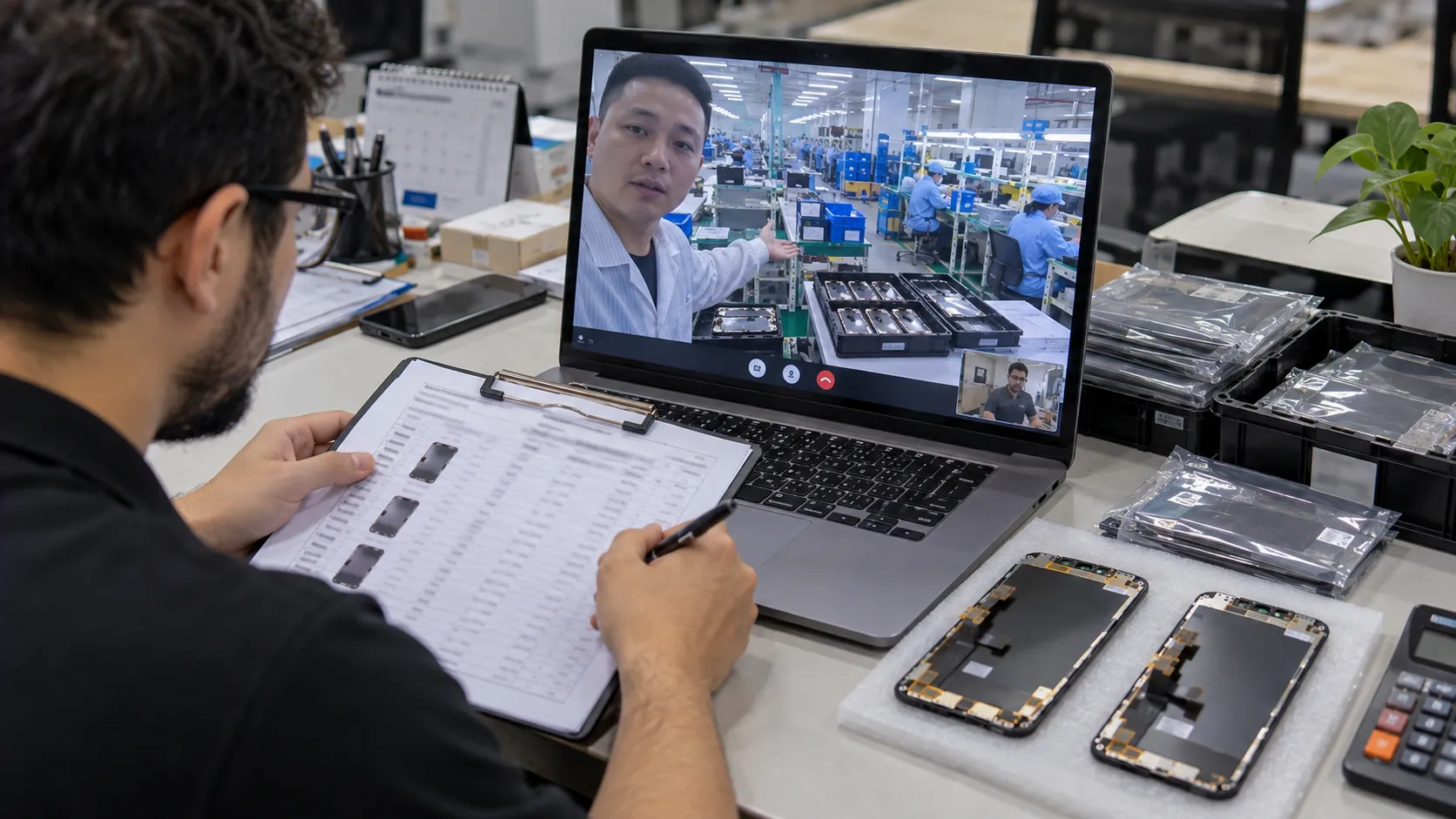
Because screen quality is so difficult to assess from a spec sheet or a few product photos, supplier vetting is where wholesale buying is actually won or lost. Use this as a practical checklist before committing to a new supplier relationship, particularly for your first order.
1. Verify business legitimacy. Request a business license or registration number, and check third-party review platforms - buyer forums, B2B marketplace ratings, and general business review sites - for a pattern of feedback rather than a handful of testimonials the supplier hand-picked for you.
2. Be skeptical of unqualified authenticity claims. Terms like "original" or "genuine" should be backed by specifics - batch photos, packaging labels, or third-party test results - not taken at face value. A supplier confident in their product will have no hesitation providing this documentation.
3. Always order samples before a bulk commitment. A single test unit, checked for touch sensitivity, dead pixels, color uniformity, and sensor functionality, tells you far more than any conversation with a sales representative. This step is non-negotiable regardless of how established or well-reviewed the supplier appears.
4. Confirm warranty terms in writing. Reputable wholesale suppliers typically offer a minimum 90-day warranty covering manufacturing defects. Clarify specifically whether replacements are shipped free of charge or whether you're responsible for return shipping costs - this detail materially affects your real cost per unit if failure rates run higher than expected.
5. Inspect packaging standards. Anti-static bags, adequate foam padding, and properly sealed outer boxes are the difference between a screen that survives transit and one that arrives with hairline damage invisible until installation reveals it.

6. Negotiate MOQ terms, especially as a new customer. Minimum order quantities are frequently more flexible than initially quoted, particularly for buyers willing to establish an ongoing purchasing relationship rather than a single transaction.
7. Use escrow or trade assurance protections where available. B2B platforms offering payment protection - releasing funds only after goods are verified - meaningfully reduce your exposure when working with a new or overseas supplier for the first time.
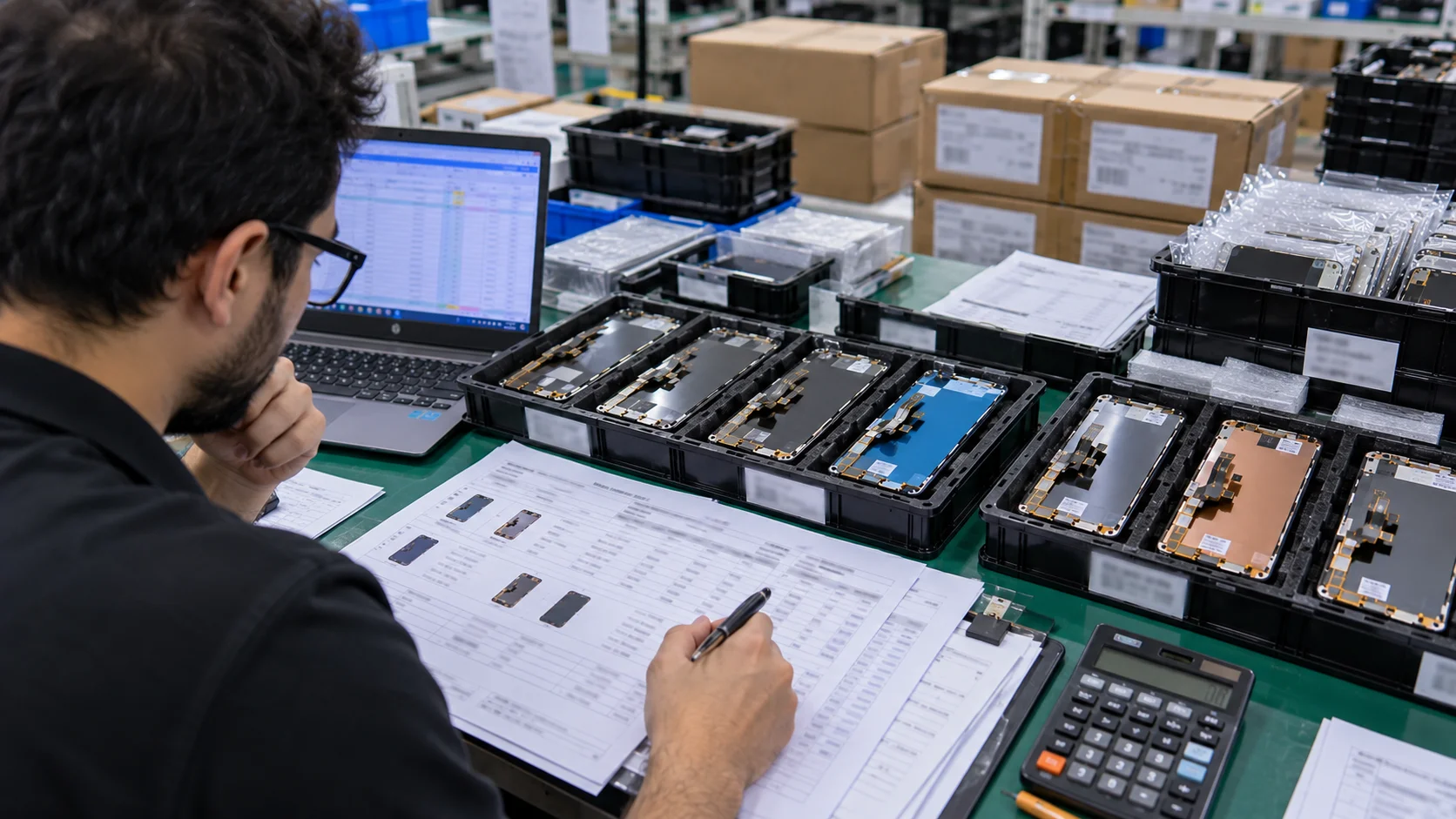
8. Inspect a meaningful sample of every bulk shipment on arrival, not just the first order. Testing 10–20% of units for defects, discoloration, or malfunction on every shipment (not only your initial sample order) is the single most effective safeguard against the batch-to-batch inconsistency that catches so many buyers off guard.
9. Split very large orders across two qualified suppliers. If a single order would exceed a couple hundred units, consider dividing it between two vetted suppliers rather than one. It costs you a small amount of blended pricing, but it means a defect issue in one batch never affects your entire order - a trade-off most experienced wholesale buyers make deliberately once they've been burned once by concentrating risk in a single shipment.
Red flags that should end a supplier conversation immediately: prices dramatically below the rest of the market with no clear explanation, refusal to provide a paid sample order, vague or evasive answers about warranty terms, and pressure to commit to large volumes before you've tested a single unit.
From First Order to Reliable Supply Chain: A Growth Path
If you're new to wholesale purchasing, resist the temptation to lock in a single "primary supplier" on day one. A more reliable path looks like this:
- Start with small test orders across two or three suppliers for the same model and grade, so you're comparing real product side by side rather than comparing sales pitches.
- Track defect rates yourself for at least one full order cycle per supplier, rather than relying solely on what they report. A simple spreadsheet logging unit count, defects found, and defect type is enough to reveal patterns within a month or two.
- Scale volume gradually with the supplier that performs best, renegotiating pricing and MOQ terms as your order size grows - most suppliers offer meaningfully better terms once you've demonstrated you're a recurring customer rather than a one-time buyer.
- Keep a secondary supplier qualified and active, even after you've settled on a primary one. This protects you against sudden supply gaps, price spikes, or a quality dip from your main source, and gives you leverage in future price negotiations.
This process takes longer than picking a supplier off the first page of search results, but it's the difference between a purchasing relationship you're confident in and one you're hoping works out.
Sourcing Screens for Every iPhone Generation (8 to 16)

A wholesale strategy built only around the newest flagship models misses a substantial share of the repair market - and creates its own sourcing risks in the opposite direction.
Newest models (iPhone 15/16 series and current flagships) carry the tightest early supply, since aftermarket manufacturers need time to reverse-engineer and tool up production after each Apple launch. Expect the 20–30% price premium mentioned earlier to persist for the first several months, along with more limited grade options - Soft OLED and Hard OLED variants often become available before economy tiers catch up. Buyers who stock these models heavily should build in a longer supplier lead time and consider securing a standing order with a primary supplier to avoid being caught short during a demand spike, such as immediately following a new model launch when trade-in and drop damage volume both increase.
Mid-generation models (iPhone 12–14 series) typically represent the highest-volume, best-supported segment of the wholesale market. Supply is abundant across every quality tier, pricing is competitive and stable, and this is where most repair shops will do the bulk of their purchasing on a week-to-week basis. This is also the segment where negotiating recurring-order discounts delivers the most meaningful savings, since volume here tends to be consistent and predictable.
Older models (iPhone 8 through 11) present the opposite challenge: demand has dropped, but it hasn't disappeared - a substantial population of these devices remains in active daily use, particularly in markets where device replacement cycles run longer. Finding consistent supply becomes progressively harder as fewer suppliers continue investing in tooling for older display designs, and buyers who serve customers with these devices should expect to work with a narrower set of suppliers, potentially at a price premium reflecting the declining but still-real production cost of maintaining older tooling. For businesses that serve a meaningful share of budget-device customers, secure a reliable supplier relationship specifically for these older models before demand for a given model dries up entirely - treat it as a priority, not an afterthought.
Here's the part buyers often miss: "older" doesn't mean "low value" from a business standpoint. Repair margins on legacy-model screens are often healthier than on flagship models precisely because fewer competitors bother stocking them consistently - a shop that can reliably say "yes, we have that part" for an iPhone 8 or X when three other shops in the area say "we'd have to order it" captures repeat business that has nothing to do with being the cheapest option in town. The sourcing challenge here is real, but it's also a genuine competitive advantage for buyers willing to put in the supplier-relationship work rather than defaulting to whichever generation is easiest to source.
Practical stocking guidance by demand tier:
audit your own repair volume by model before deciding how deep to stock any given generation. A shop whose repair mix skews heavily toward mid-generation models gains little from holding large OEM inventory for the newest flagship; a shop that regularly services older devices for a price-sensitive customer base benefits far more from securing dependable Incell LCD supply for legacy models than from chasing the latest Soft OLED release.
A Practical Framework: Which Screen Grade Should You Stock?
Bringing every section of this guide together, here's a simplified decision matrix for aligning your wholesale purchasing with your specific business model.

| Business Type | Primary Grade to Stock | Secondary Grade | Notes |
|---|---|---|---|
| Walk-in repair shop, general market | Hard OLED | Soft OLED, Incell (older models) | Covers roughly 80–90% of day-to-day repairs at healthy margins |
| Premium / warranty-backed repair service | Soft OLED / OEM | Refurbished OEM | Justifies higher price point with near-original performance |
| Wholesale distributor / regional reseller | Full tier spread | - | Downstream customers need variety; carry all major grades |
| Amazon / marketplace seller | Soft OLED | High-quality Incell | Strict return policies demand higher baseline reliability |
| Budget / high-volume, price-sensitive market | Incell LCD / Economy | Hard OLED | Prioritize cost per repair over marginal quality gains |
| Shop serving older-device customers | Incell LCD (legacy models) | Refurbished OEM | Prioritize supply reliability over grade variety |
The pattern underlying every row in this table is the same: match the grade to the scenario, and treat the wholesale price you're quoted as one input among several rather than the deciding factor. A supplier relationship that delivers consistent quality at a fair (not necessarily the lowest) price will outperform a bargain supplier with an unpredictable failure rate, every time you measure it across a full quarter rather than a single invoice.
Frequently Asked Questions
Does an aftermarket screen affect Face ID or True Tone?
It can, depending on the tier and the specific aftermarket manufacturer's chip design. Genuine OEM parts preserve full compatibility by default. Many higher-end aftermarket screens now include pass-through or reprogrammable components designed to restore True Tone functionality, but this isn't universal - confirm compatibility with your calibration tools and test a sample unit before assuming a given product line will work seamlessly.
What's a typical MOQ for wholesale iPhone screens?
This varies widely by supplier and screen tier, and it's frequently more negotiable than the initial quote suggests - particularly for new customers willing to commit to an ongoing purchasing relationship rather than a one-time order. Always ask directly rather than assuming the listed MOQ is fixed.
How much can I save buying wholesale versus retail?
Savings of 40–60% compared to retail per-unit pricing are common, particularly on LCD and mid-tier OLED screens, with additional volume discounts of 5–15% typically available on orders of 50 units or more.
What warranty should I expect from a reputable supplier?
A minimum of 90 days covering manufacturing defects is a reasonable baseline. Always clarify whether defective-unit replacement includes free return shipping or whether that cost falls on you, since this materially changes your effective cost per unit if failure rates run above expectations.
Should I start with Soft OLED or Hard OLED?
For most repair shops building out an OLED inventory for the first time, Hard OLED plus Soft OLED together cover the large majority of repair scenarios - Hard OLED for cost-sensitive jobs, Soft OLED for customers who will notice or care about a quality difference. Add Incell LCD specifically for older or LCD-native models rather than as a general-purpose substitute.
How should I handle packaging and shipping for bulk orders?
Confirm your supplier uses anti-static bags for each individual unit, adequate foam or bubble padding between units, and a sealed outer carton rated for the shipment weight - this combination is what actually prevents transit damage, rather than any single one of these measures alone. For international shipments, ask specifically how customs and import handling is managed, since screens sitting in an uninsulated container during transit can also be exposed to temperature extremes that affect adhesive quality, particularly for OLED panels.
Is it worth working with more than one supplier at once?
Yes, for any buyer purchasing at meaningful volume. Maintaining a qualified secondary supplier protects you against a sudden quality dip, price increase, or stock shortage from your primary source, and gives you a real basis for price negotiation rather than being dependent on a single relationship.
Conclusion
The wholesale iPhone screen market rewards buyers who treat sourcing as a matching problem, not a price-shopping exercise. The businesses that struggle with returns, warranty disputes, and thin margins are almost always the ones optimizing for the lowest invoice price in isolation. The businesses that scale profitably are the ones that have built a repeatable process: understand the grade options, calculate total cost of ownership rather than sticker price alone, vet suppliers rigorously before committing to volume, and stock each generation and grade according to the actual repair scenarios their customers bring through the door.
You don't need to rebuild your entire purchasing process this week. Start with one change instead: the next time you're comparing supplier quotes, ask for a defect-rate figure before you ask for a better price. That single question shifts the entire conversation from "who's cheapest" to "who actually delivers what I'm paying for" - and it's the question that separates buyers who build a durable, profitable sourcing operation from buyers who are still chasing the next slightly-lower quote a year from now.
If you're ready to put this framework into practice, browse our wholesale iPhone screen catalog to see current stock across every grade and generation covered in this guide, or reach out directly to request a quote tailored to your specific volume and business type.
Related Guides
- How to Choose a Reliable iPhone Screen Supplier
- OEM vs ODM iPhone Screens: What's the Difference?
- What Is the MOQ for Wholesale iPhone Screens?
- How to Import iPhone Screens from China
- What Certifications Should an iPhone Screen Manufacturer Have?
- How to Evaluate iPhone Screen Quality Before Buying
- Questions to Ask Before Choosing a Supplier
- How Are Wholesale iPhone Screens Packaged?
- Common Mistakes When Buying Wholesale iPhone Screens