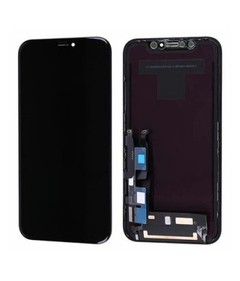


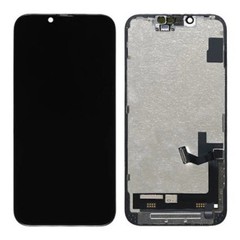



How to Plan a Mixed-Model LCD Order?
Plan a mixed-model iPhone LCD order one supplier reference at a time, not as an equal split of a total quantity. Start with the time each line must cover: replenishment time plus the gap between your order reviews. Estimate demand over that period, add a buffer, then subtract usable stock and the confirmed incoming units that fall inside it. Last, test the result against MOQ, pack multiple, and the validation status of the exact reference.
The sections below turn that sequence into a worked calculation, an internal planning worksheet, and a separate quotation sheet for the supplier.
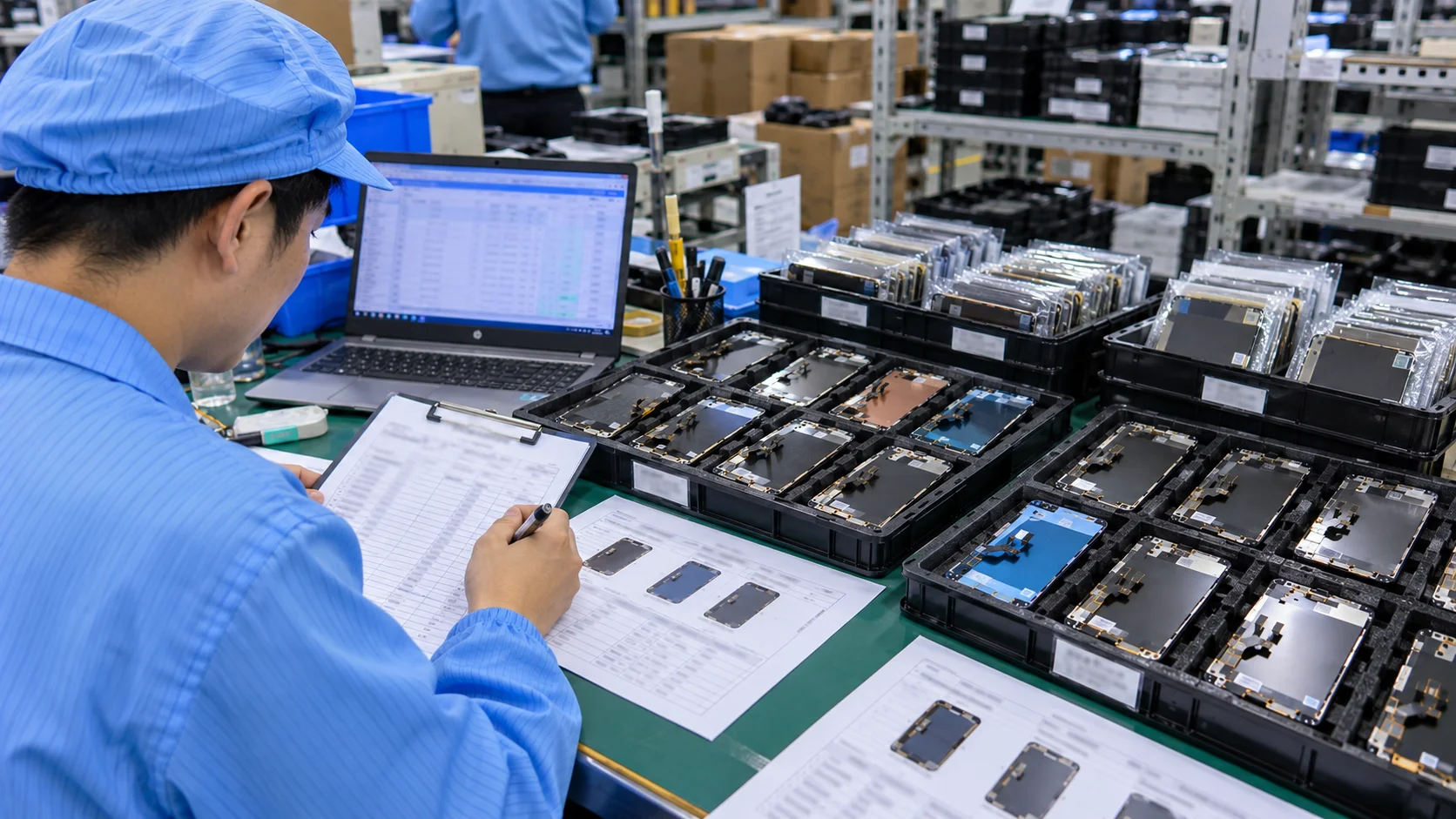
What a Mixed-Model LCD Order Actually Means?
A mixed-model order contains several iPhone LCD models or product references within one wholesale purchase. Five terms are easy to confuse:
- Total order quantity: every unit on the purchase order.
- Model-level quantity: the units for one phone model.
- Product-reference quantity: the units for one specific supplier reference, since a model can be offered in more than one configuration.
- Total-order MOQ: a minimum applied to the whole order.
- Model-level MOQ: a minimum applied to each model or reference inside the order.
A supplier with a low total-order minimum may still set a separate one per model. Not every supplier accepts mixed-model orders at all, so confirm the policy before you build the sheet. This article stays with one task, distributing a single order across models, and leaves the broader iPhone LCD inventory planning for repair businesses to the guide.
Start With Repair Demand by Model
Quantity by model starts from what your business actually repairs. Useful records include POS or repair-ticket history, screens issued from stock, quote requests, jobs lost to stockouts, and past purchase orders with their reorder frequency. Reorder frequency is only one signal, and identifying fast-moving iPhone screen models covers the wider method.
Completed repairs alone can understate demand. If a shop turns work away whenever a model is out of stock, that model's usage looks lower than its real demand. Four rules keep the figures usable:
- Give every model the same counting period, and note any unusual weeks such as a long stockout or a supplier delay.
- Do not add every unconverted quote to demand. A quote is an enquiry, not a confirmed job.
- Remove duplicates. One customer can appear as a quote, a stockout note, and a later repair.
- Record jobs lost because of no stock separately from jobs lost on price. Only the first reflects a supply gap.
The example below illustrates how to record demand. Figures are hypothetical, not actual shop records. Replace the model names, supplier SKUs, and counts with your own data.
| Model / Supplier SKU | Counting period | Completed repairs | Lost: no stock | Lost: other reasons |
|---|---|---|---|---|
| iPhone 11 / enter exact supplier SKU | 1–28 Aug 2026 | 28 | 4 | 3 |
| iPhone 7 / enter exact supplier SKU | 1–28 Aug 2026 | 6 | 1 | 2 |
Count each repair request once. "Lost: no stock" includes jobs that did not proceed because the required screen was unavailable; exclude customers who returned and are already counted under completed repairs. "Lost: other reasons" includes recorded reasons such as price or a customer deciding against repair.
For the iPhone 11 example, 28 completed repairs plus four distinct jobs lost to stockouts suggest potential demand of 32 units over four weeks, or eight units per week. The three jobs lost for other reasons are recorded separately and are not added to that estimate. Before planning quantities by supplier SKU, confirm which exact screen reference each job required.

Do Not Split the Order Evenly Across Models
An even split feels neutral, but it treats every model as if it had the same demand, stock, and risk. A 500-unit order does not mean 50 units for each of 10 models. One line may justify deeper stock, another a limited quantity, and another a sample quantity only.
That can produce two problems at once: repeat-demand models run short again while weak lines sit on the shelf. The useful question is which models need stock, what each one justifies, and which supplier terms change that quantity. Choosing a model and setting its quantity are separate decisions, so a model can belong in the order without carrying the same quantity as its neighbor.
Separate Core, Secondary, and Trial Models
Sorting candidates into three internal categories makes the quantity decisions easier. They are planning labels for your own inventory, not industry standards, and the same phone model may sit in different categories for different shops. An iPhone 7 replacement LCD screen, for example, could be a core line for a shop that repairs it every week and a trial line for one that has never stocked it.
- Core: repeated demand and an established reference you have already used.
- Secondary: real but lower or less consistent demand.
- Trial: a new supplier reference, a new model, a changed specification, or demand you cannot yet judge.
If the candidate list itself is still open, settle which models deserve regular stock first; this article assumes the list exists and allocates quantities across it.
Subtract Current Usable Stock Before Ordering More
Demand alone does not set the quantity. A high-demand model with a full shelf may need nothing this cycle, while a lower-demand model with an empty shelf may need attention first.
Count usable stock, not physical stock. Leave out units already committed to jobs, units held under warranty review, and units not yet approved after receiving or testing.
Confirmed incoming units need two separate treatments. For the quantity calculation, count the confirmed units due within the period the order must cover; ignoring them invites duplicate purchasing. For timing, lay the delivery dates against expected daily or weekly use and see whether the shelf reaches zero before a shipment lands. The first check sets how much to order, and the second shows where an earlier delivery or another source may be needed.

Use Replenishment Lead Time to Adjust Stock Depth
Repair demand, replenishment time, and buffer are three separate inputs. Two models with the same weekly demand can justify different quantities if one can be replenished in two weeks and the other in five. The longer a reference takes to arrive, the more usage the order must cover. Count lead time from placing the order until the units are checked and ready to use, not from the supplier's dispatch date, and confirm it for each reference instead of assuming one figure for the list.
The buffer is a decision of its own, and setting safety stock for replacement screens covers how to size it. In a mixed-model order you only need to enter the buffer you have chosen for each line.
Worked Example: Calculate the Need Before Applying MOQ
For shops that review orders at regular intervals and see fairly steady demand, a starting calculation for one line is:
Preliminary quantity = (weekly demand × weeks to cover) + buffer − usable stock − confirmed incoming units within that period
Weeks to cover equal replenishment time plus the gap between your order reviews. If the result is negative, the line needs no order. Keep every time input in the same unit.
The figures below are hypothetical and only show the mechanics. They continue the iPhone 11 line from the demand log, which came to 8 units a week, and assume a proven reference. Replenishment takes 4 weeks, you review orders every 2 weeks, and you set a buffer of 8 units. You hold 15 usable units, and 10 confirmed units are due at the start of week 2.
- Weeks to cover: 4 + 2 = 6
- Demand over that period: 8 × 6 = 48
- With buffer: 48 + 8 = 56
- After stock and incoming: 56 − 15 − 10 = 31 units
That figure answers how much to order. It does not show whether the shelf survives until the delivery. Four weeks of demand come to 32 units, while stock and the incoming shipment total 25, roughly three weeks of use. The line would run dry about a week before the new order lands, and a bigger order arriving on the same date does nothing about it. Ask the supplier for an early partial shipment, look at another validated source, or accept the lost jobs knowingly.
Once you choose how to cover that gap, update the calculation before going further. If the 7 units ship early out of the planned 31, the total stays at 31, split into an early lot and a later one. If you buy 7 from another validated source that will arrive before the stockout, count them as confirmed supply, and the first supplier's requirement drops to 24 before its MOQ is checked. If the affected jobs are lost rather than delayed, lower the expected consumption as well, because that demand will not draw down stock.
Then apply the supplier's terms to whichever requirement you end up with. Against a model-level MOQ of 50, a 31-unit requirement leaves 19 units of excess, about two and a half weeks of demand at this rate. A 24-unit requirement leaves 26, more than three weeks. Either way, decide whether the excess can sell within the holding period you accept. If it cannot, ask about a lower quantity, consider another validated reference, or leave the line for the next order.

Check Model-Level MOQ Before Finalizing Quantities
A supplier's minimum may apply to the whole order, to each model, or to each product reference, and mixed-model flexibility can come with conditions. Ask each supplier:
- Can different models be combined in one order?
- Is there a per-model or per-reference minimum, and is there a pack multiple?
- Does the price change if one model falls below a quantity tier?
- Do packaging or custom labels change the minimum?
Treat every answer as specific to that supplier, and do not assume a combined order receives the same price breaks as a single-model one. Compare each minimum with the preliminary quantity from your calculation. The excess above the calculated need is the extra stock the minimum imposes, and that excess is what you weigh against sell-through.

Confirm the Exact Screen Specification for Every Model
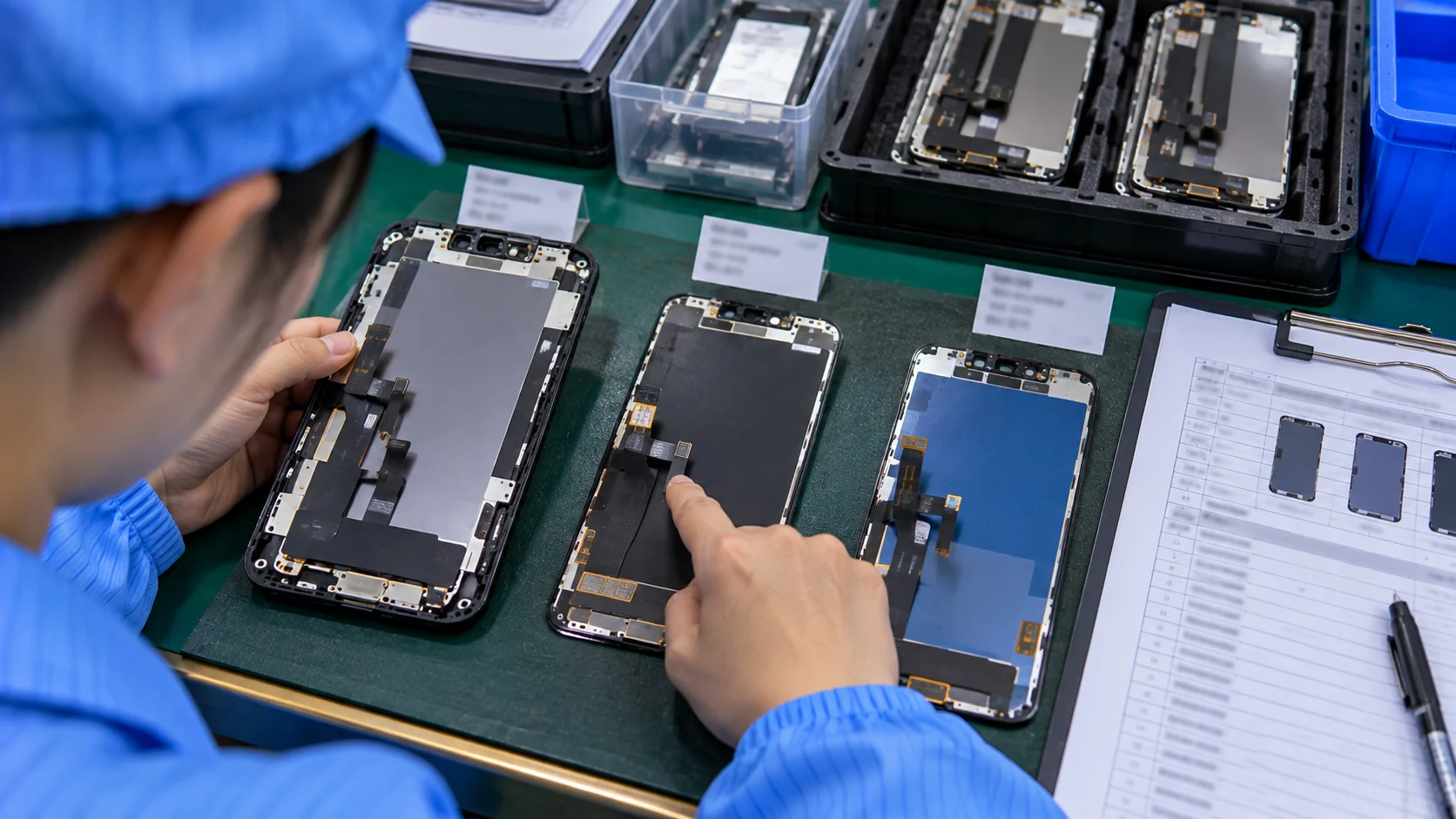
A mixed-model order is a list of product references, and a phone name does not fully define one. When you request a line such as an iPhone 11 replacement LCD screen, ask which supplier reference it maps to and what that reference includes. For every line, record:
- the supplier product reference and the compatible model;
- the display technology actually supplied;
- the assembly configuration, including frame or no frame where applicable;
- included components and the revision, where relevant;
- the quality specification and cosmetic criteria;
- how each delivery will be traced: supplier SKU, revision, and batch or order-line reference.
Do not assume every model comes in the same configuration. If you do not write these differences down before ordering, they may not surface until the goods arrive and the first units are tested.
Use Samples or Trial Quantities for Lower-Confidence Lines
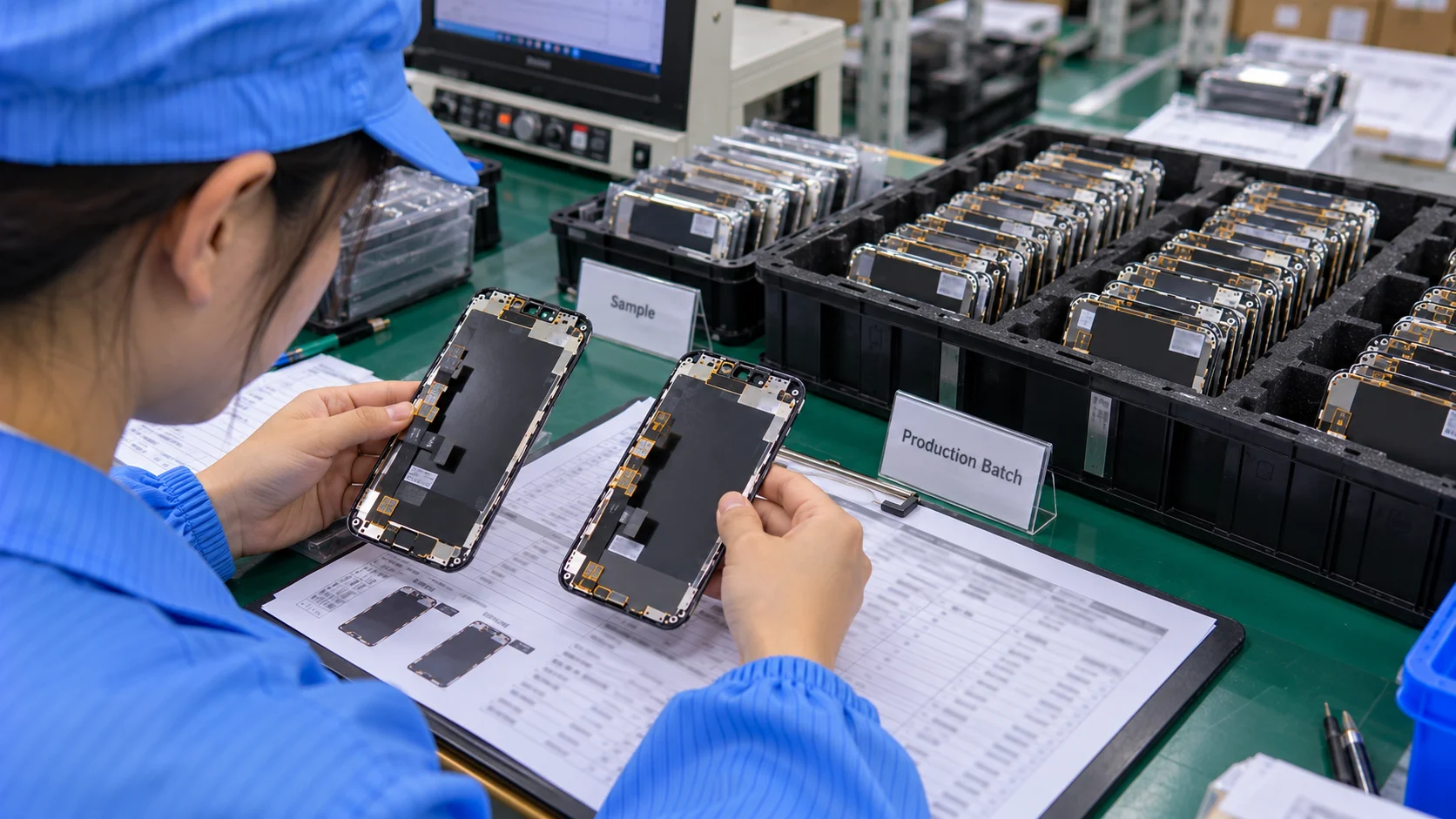
Keep a line at low exposure when there is a reason for doubt: a new supplier, a new reference, a changed specification or assembly, uncertain repair demand, or an earlier inconsistency. A reference you have validated and reordered can go straight into the order, so not every model needs a sample every time.
For a new or changed reference, evaluate a sample first with a process such as testing iPhone LCD samples before stocking. Write down the sample's supplier SKU, revision, and acceptance criteria. A passed sample confirms only the units tested. When the first delivery arrives, check it against the same record, note how many units you inspected and what you found, and use that result to decide whether to raise the quantity.
Check Whether Packaging Changes the Order Structure
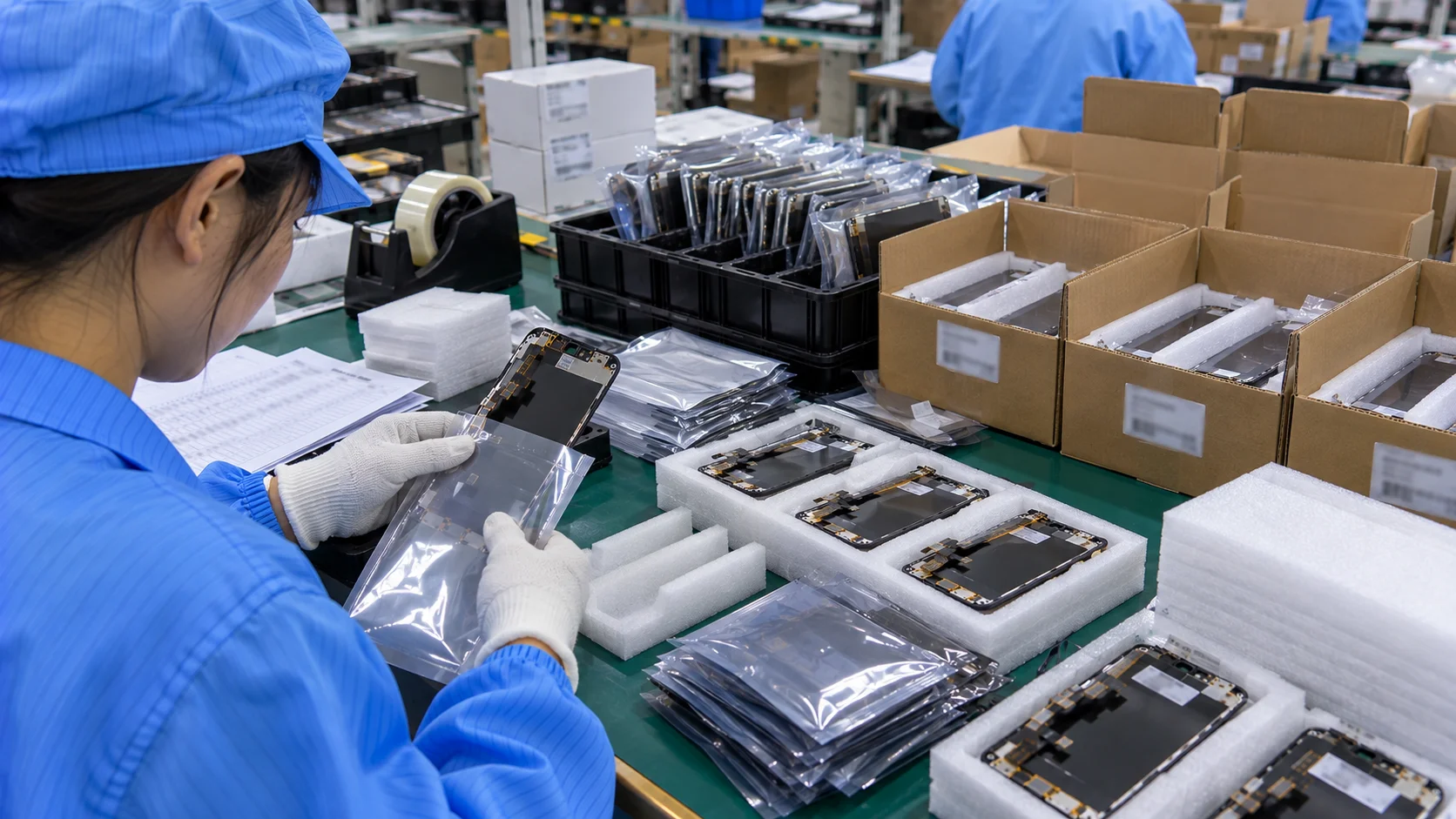
Mixing models changes how goods are packed and checked on arrival. Confirm individual packaging, labels and model identification, carton separation by model, and private-label packaging where relevant. Ask whether packaging or labeling changes the minimum or the quoted price instead of assuming it does not.
The packing list matters just as much. It should carry one line per model and reference, worded exactly as ordered, so receiving staff can match each carton to the order without guessing.
Build the Order Model by Model
Work through the list in this order:
- List every model under consideration.
- Record demand for a common counting period, including jobs lost to stockouts.
- Record usable stock.
- Add confirmed incoming units with delivery dates.
- Confirm replenishment time and your review interval.
- Confirm model-level MOQ and pack multiple.
- Confirm the exact supplier reference for each line, and record its SKU and revision.
- Set each line's status: proven, approved sample, trial, or specification to confirm.
- Calculate a preliminary quantity per line.
- Compare each result with its MOQ, and check total order value.
- Reduce or remove weak-demand lines where the minimum creates more stock than you want to carry.
- Send the final model-level sheet for quotation.
Steps 10 and 11 form a review loop. If total exposure is too high, cut the lines with the weakest demand and the highest MOQ pressure first, not every model equally.
Mixed-Model Order Planning Worksheet
Use two tables. The first calculates the requirement for internal review. The second carries the quantities and specifications you send to the supplier for quotation.
Illustrative example only: demand, stock, lead times, buffers, and validation statuses below are hypothetical, not shop records or supplier terms. Replace them with your own before ordering.
1. Internal Quantity Planning
| Model | Supplier SKU | Demand period | Weekly demand | Usable stock | Incoming (qty / date) | Lead time | Review interval | Buffer | Preliminary qty |
|---|---|---|---|---|---|---|---|---|---|
| iPhone 11 | TBC | 1–28 Aug 2026 | 8 | 15 | 10 / start of planning week 2 | 4 weeks | 2 weeks | 8 | 31 |
| iPhone 7 | TBC | 1–28 Aug 2026 | 1.75 | 4 | None confirmed | 4 weeks | 2 weeks | 2 | 9 |
The iPhone 11 row repeats the worked example above. For iPhone 7: 1.75 × (4 + 2) + 2 − 4 = 8.5, rounded up to 9 units. Round any positive fraction up to a whole unit, use zero for a negative result, and apply MOQ and pack multiples afterward.
The demand period is the historical measurement window, while planning week 1 begins when the order is placed. Swap the relative dates for actual delivery dates before sending anything.
The timing check applies to every line. iPhone 7 has 4 units on hand against 7 expected over the four weeks, a gap of 3 units. The quotation sheet below asks for early partial deliveries out of the same quantities rather than extra units. If another source covers a gap, update incoming stock and recalculate first.
2. Supplier Quotation Sheet
| Model | Supplier SKU | Display type and configuration | Status | MOQ / pack multiple | Requested qty* | Unit price / line total | Packaging | Open items |
|---|---|---|---|---|---|---|---|---|
| iPhone 11 | TBC | LCD assembly; spec to attach | Proven (illustrative) | TBC | 31 | TBC | See note | 7 units early; confirm balance date |
| iPhone 7 | TBC | LCD assembly; spec to attach | Proven (illustrative) | TBC | 9 | TBC | See note | 3 units early; confirm balance date |
*Requested quantities are preliminary, not approved purchase quantities. Finalize them after confirming specification, MOQ, pack multiple, delivery dates, and price.
Note for all lines: the buyer enters the exact SKU, configuration, and revision; individual protective packaging, SKU labels, and separate model identification are requested; the supplier quotes MOQ, pack multiple, unit price, and line total for each line.
Choose the status from your actual record: Proven, Approved sample, Trial, or Specification to confirm. "Proven" above assumes previously validated references, so change it if that does not hold for your SKUs. Mark unresolved information as TBC with the owner or next step. A line with an unidentified SKU or unresolved specification is a quotation request, not an approved purchase order.

When to Increase, Hold, Trial, or Defer a Model?
Use conditions, not popularity, to decide what each line does in this order.
| Decision | Typical conditions | Check before acting |
|---|---|---|
| Increase quantity | Repeated verified demand; recurring stockouts or lost jobs; longer replenishment; a supplier reference with an acceptable trial or receiving-inspection record | The larger quantity still sells within your holding period |
| Hold at target level | Demand steady; stock kept near your target | Order only the calculated gap, and confirm incoming dates |
| Trial quantity | Specification clear but the reference is new, changed, or unproven; demand uncertain | Acceptance criteria are written down before ordering |
| Defer or remove | Weak or irregular demand; stock already sufficient; MOQ high against demand; specification not yet defined, so purchase cannot be approved | Revisit next cycle |
A model left out of one order is not discontinued. A fast-moving model also does not automatically earn more: if stock already covers demand, or the reference is unproven, extra units add exposure without adding sales.
Mistakes That Distort a Mixed-Model Order
- Splitting the total equally, or copying another shop's model mix. Neither reflects your own demand, stock, or suppliers.
- Treating quotes as demand, or physical stock as usable stock. The order is then sized on inputs that overstate need or supply.
- Using the phone name as the specification. Configuration and revision differences go unrecorded.
- Accepting a minimum without checking sell-through. The supplier's MOQ quietly becomes your inventory plan.
- Raising the quantity of a reference before it is validated. Any problem then reaches more units.
- Not recording SKU, revision, and batch or order-line reference. A later defect may be hard to trace to a specific delivery.
Check the Order Before You Send It
Before the sheet leaves your desk, check that:
- every model has a reason to be on it;
- every quantity is backed by the demand calculation or a written trial plan, with any MOQ or pack-size adjustment recorded;
- no MOQ forces stock you cannot reasonably sell within your holding period;
- every reference is confirmed or clearly marked TBC.
Then add what the supplier needs to quote each line: target specification, quality and packaging requirements, destination, sample or private-label needs, preferred replenishment timing, and any documents you require.
A line reading "500 screens, mixed models" cannot be quoted accurately. A model-level sheet lets the supplier answer each line against its own MOQ, specification, and packaging, and lets you compare the replies line by line.
Frequently Asked Questions
Can different iPhone LCD models be combined in one wholesale order?
Often, but it depends on the supplier. Ask whether mixed-model orders are accepted and whether the minimum applies to the whole order or to each model.
How should a repair shop decide quantity by model?
Estimate demand over replenishment time plus your review interval, add a buffer, subtract usable stock and the confirmed incoming units due in that period, then compare the result with the model-level MOQ and the validation status of the reference. Check delivery dates separately for a stockout before the shipment arrives.
Does every model need the same MOQ?
Not necessarily. Some suppliers set one minimum for the order, others one per model or reference. Ask for it by line.
Should slow-moving models be included in a mixed order?
Only where demand, stock, and MOQ support them. Leaving a model out of one order does not remove it permanently.
Should new screen references be sampled before larger quantities?
For a new supplier, reference, or specification, a sample and a small trial quantity reduce risk before you increase depth. A reference you already trust may not need one.
From Worksheet to Quotation
When the supplier order sheet is ready, request a mixed-model iPhone LCD wholesale quotation with each line's validation status and any open specification marked, so the reply confirms MOQ, pack multiple, price, and lead time for every reference.