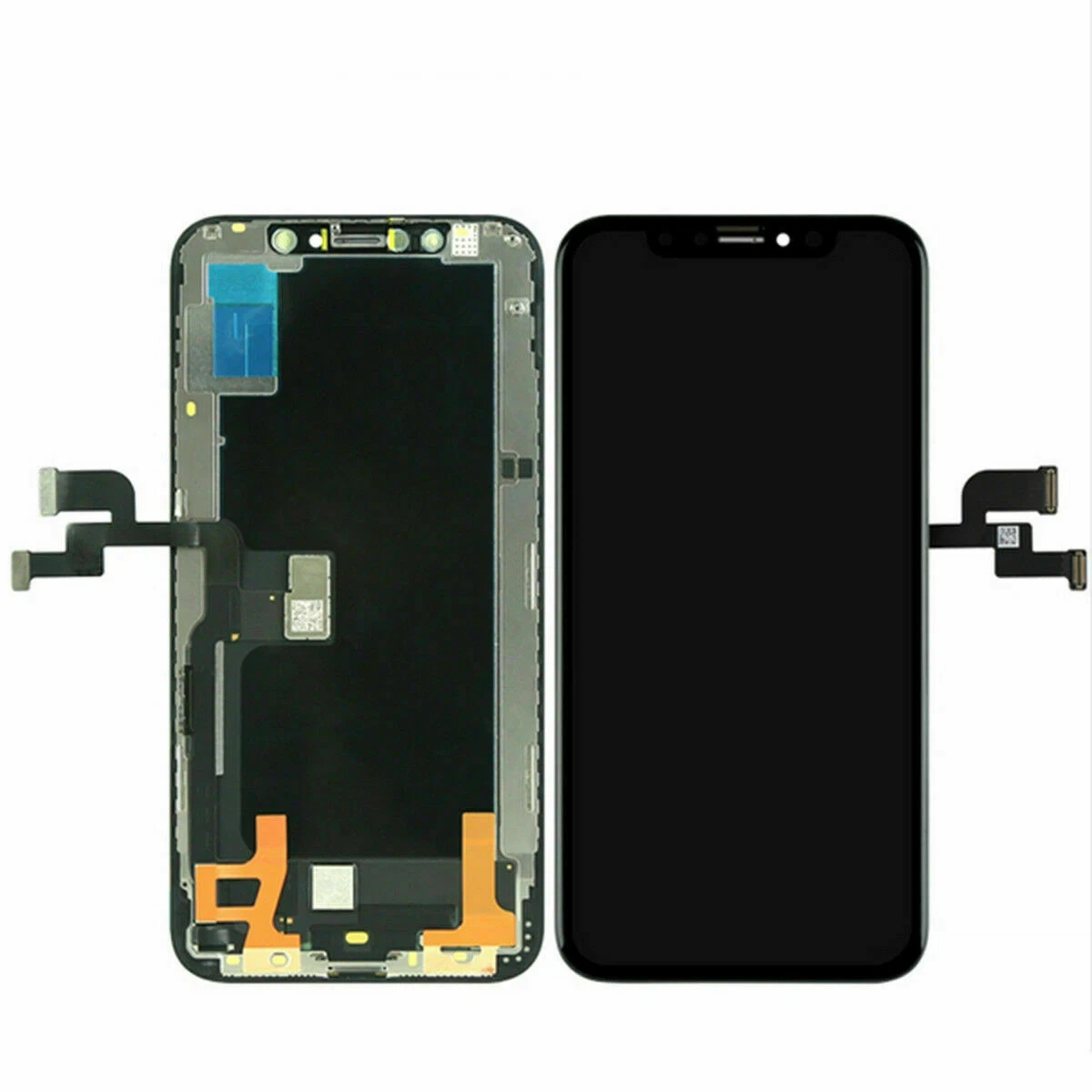
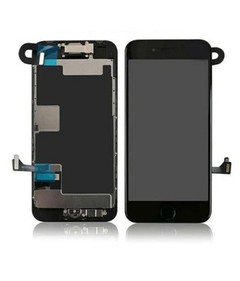
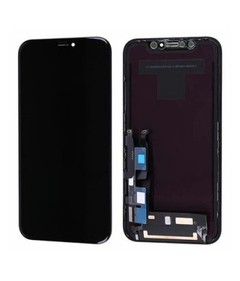
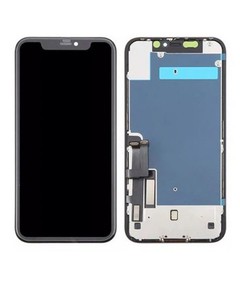
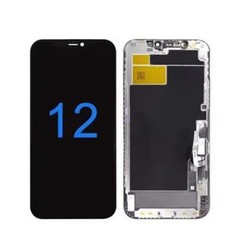
Introduction to iPhone Screen Not Responding Issue
One of the most frustrating problems after an iPhone screen replacement is when the iPhone screen not responding issue occurs. You've just completed the repair, but the touch screen doesn't work properly-or worse, doesn't respond at all.
This issue is extremely common in the mobile repair industry and often leads to customer complaints, returns, and loss of trust. Whether you are a technician or a business owner, understanding why the iPhone screen not responding problem happens-and how to fix it-is critical.
In this guide, we'll explore the real causes behind this issue and provide proven solutions to ensure your iPhone screen replacement process is smooth and reliable.
Why iPhone Screen Not Responding Happens?
Hardware Issues
Most cases of iPhone screen not responding are caused by hardware problems during or after iPhone screen replacement.
Common hardware causes include:
- Loose or improperly connected flex cables
- Damaged connectors
- Faulty iPhone screen replacement parts
- Low-quality aftermarket screens
- Static damage during installation
Using poor-quality parts from an unreliable iPhone screen supplier is one of the biggest reasons for failure.
Software Issues
Although less common, software problems can also cause the iPhone screen not responding issue.
These include:
- iOS glitches
- Incomplete system updates
- Software conflicts after repair
A simple reset or update can sometimes fix these issues.
Common Symptoms of Touch Screen Problems
Before fixing the issue, identify the symptoms:
- Touch not working at all
- Partial touch failure
- Ghost touch (random movements)
- Delayed response
- Screen freezing
These signs clearly indicate a iPhone screen not responding problem after iPhone screen replacement.
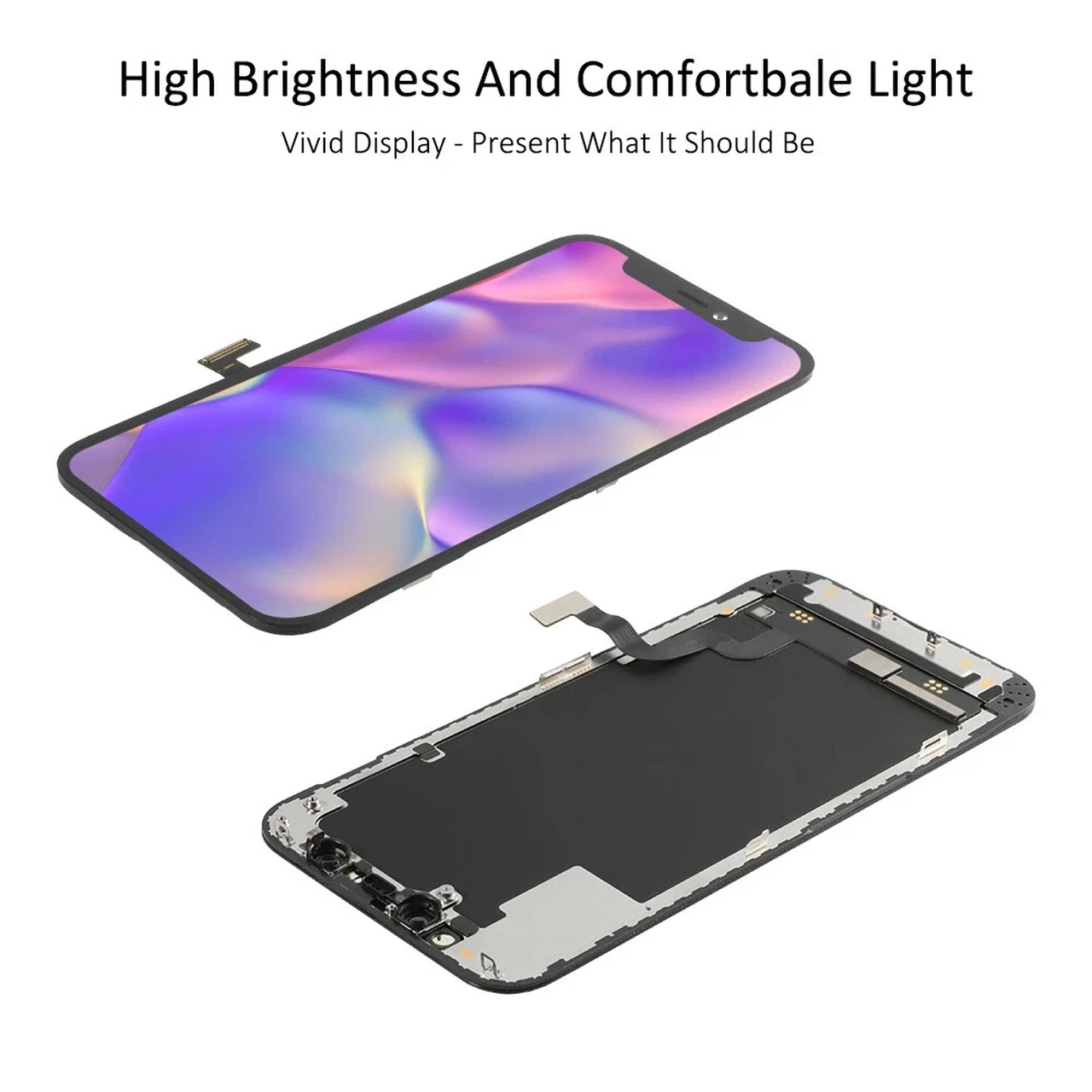
8 Powerful Fixes for iPhone Screen Not Responding
Fix 1: Restart the iPhone
The simplest solution:
- Turn off the device
- Wait 30 seconds
- Restart
This can resolve temporary glitches causing the iPhone screen not responding issue.
Fix 2: Check Screen Connections
Improper connections are the #1 cause.
Steps:
- Open the device again
- Check all display connectors
- Ensure they are firmly connected
Even a slightly loose connector can cause iPhone screen not responding problems.
Fix 3: Replace Low-Quality Screen
If you used cheap iPhone screen replacement parts, the screen itself may be defective.
👉 Solution:
- Replace with high-quality parts
- Source from a reliable iPhone screen supplier
Quality matters more than price in the long run.
Fix 4: Reset Settings
Resetting can fix software-related issues.
Steps:
- Go to Settings
- General → Reset
- Reset All Settings
This may resolve the iPhone screen not responding issue without affecting data.
Fix 5: Update iOS
Outdated software can cause compatibility issues.
- Check for updates
- Install latest iOS version
This can improve touch performance after iPhone screen replacement.
Fix 6: Clean Connectors
Dust or debris can interfere with connections.
- Use soft brush or alcohol
- Clean connectors carefully
Clean connections improve reliability.
Fix 7: Test with Another Screen
To confirm the issue:
- Install a different screen
- Test functionality
If it works, your original iPhone screen replacement parts are faulty.
Fix 8: Check Logic Board
If none of the above works:
- The issue may be on the motherboard
- Requires advanced repair
This is less common but possible.

How to Avoid Touch Issues After Replacement?
Use High-Quality iPhone Screen Replacement Parts
The best way to prevent iPhone screen not responding issues is to use premium parts.
High-quality parts provide:
- Stable touch performance
- Better durability
- Fewer returns
Always choose a trusted iPhone screen supplier.
Follow Proper Installation Steps
Even the best parts fail with poor installation.
Best practices:
- Disconnect battery first
- Avoid excessive force
- Handle flex cables carefully
- Test before closing device
Proper technique ensures successful iPhone screen replacement.
How to Choose the Best iPhone Screen Supplier?
A reliable iPhone screen supplier is key to avoiding defects.
Look for:
- Strict quality control
- Consistent product supply
- Warranty support
- Positive customer feedback
Working with the right iPhone screen supplier reduces risks and improves business performance.
Cost Impact of Poor Quality Screens
Using cheap parts may seem cost-effective, but it leads to:
- High return rates
- Customer dissatisfaction
- Increased repair time
- Loss of reputation
Investing in better iPhone screen replacement parts saves money in the long run.
FAQs
1. Why is my iPhone screen not responding after replacement?
It's usually caused by loose connectors or low-quality parts.
2. Can a faulty screen cause touch issues?
Yes, defective iPhone screen replacement parts are a common cause.
3. How do I fix unresponsive touch screen?
Check connections, restart the device, or replace the screen.
4. Does software affect screen responsiveness?
Yes, but hardware issues are more common.
5. Should I replace the screen again?
If the current screen is faulty, replacement is necessary.
6. How to prevent this issue in future?
Use high-quality parts and follow proper installation steps.
Conclusion
The iPhone screen not responding issue after iPhone screen replacement is a common but preventable problem. By understanding the root causes and applying the right fixes, you can significantly improve repair success rates.
The most important factor is using reliable iPhone screen replacement parts from a trusted iPhone screen supplier. Combined with proper installation techniques, this ensures consistent performance and customer satisfaction.
If you want to reduce returns, increase profits, and build a strong reputation, focus on quality and precision in every repair.