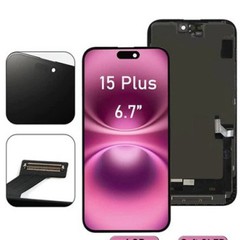
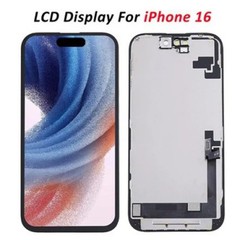
Introduction to iPhone Touch Not Working Issue
The iPhone touch not working fix is one of the most searched problems among smartphone users. Many people experience situations where the iPhone screen is not responding, making the device difficult or impossible to use.
This issue can occur suddenly or after events such as drops, water damage, or screen replacement. For repair professionals and business owners, understanding the best iPhone touch not working fix methods is essential for solving customer problems and providing reliable repair services.
In this guide, we will explore the causes, solutions, and best practices to fix unresponsive iPhone screen issues effectively.
Why iPhone Screen Is Not Responding?
Hardware Causes
Most iPhone touch not working fix cases are related to hardware problems.
Common causes include:
- Damaged screen after a drop
- Faulty iPhone screen replacement parts
- Loose or damaged connectors
- Water damage
- Internal component failure
If the issue occurs after physical impact, hardware is likely the cause.
Software Causes
Sometimes, the issue is software-related.
Examples include:
- System bugs
- App conflicts
- iOS glitches
Although less common, these can still lead to iPhone display touch problem solution needs.
Common Symptoms of Touch Screen Problems
Before applying any iPhone touch not working fix, identify the symptoms:
- Screen does not respond to touch
- Partial touch failure
- Ghost touch (random actions)
- Delay in touch response
- Screen works intermittently
Understanding these signs helps determine the correct solution.
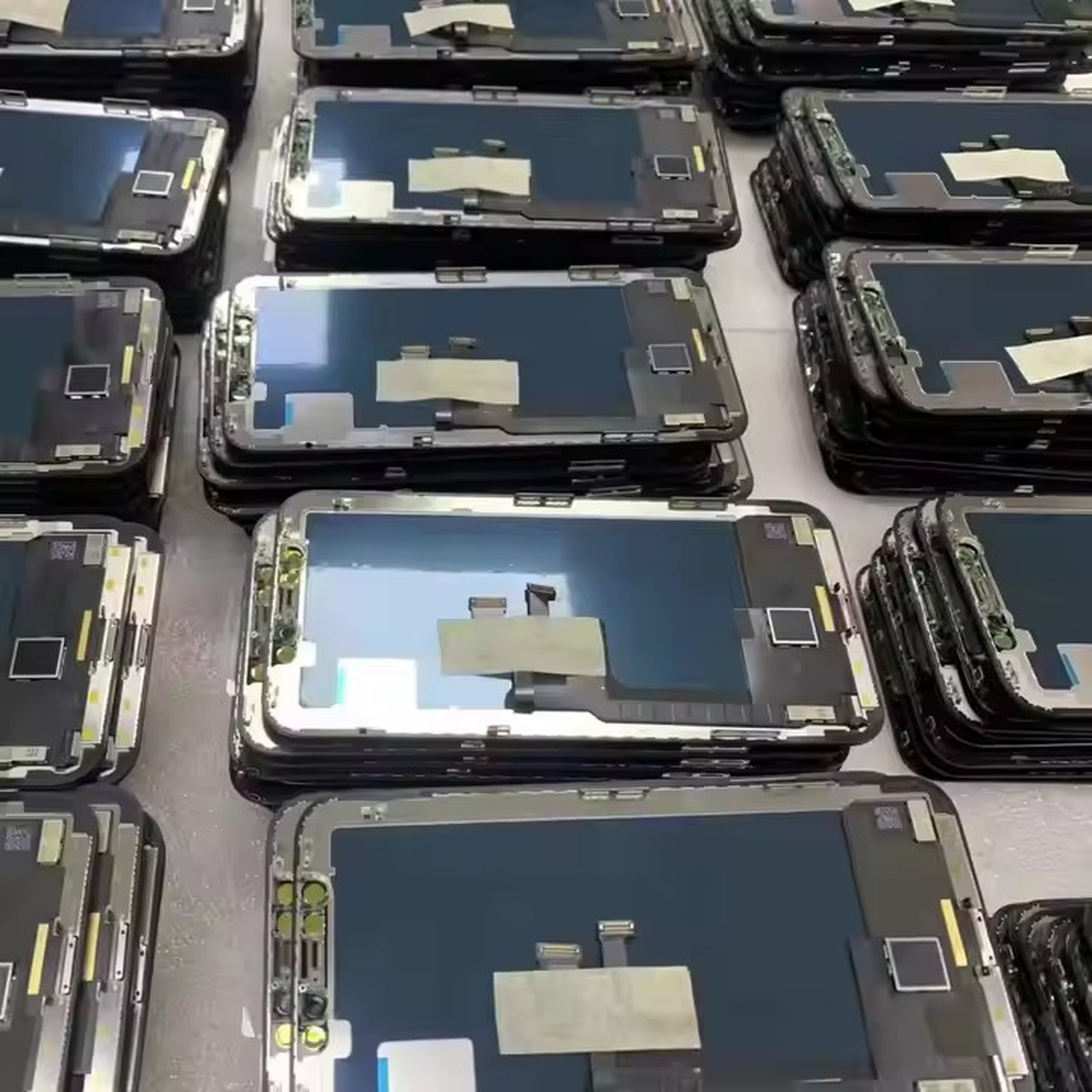
10 Powerful iPhone Touch Not Working Fix Solutions
Fix 1: Clean the Screen
Sometimes dirt or moisture affects touch sensitivity.
Steps:
- Use a microfiber cloth
- Clean gently
- Remove any debris
This is the simplest iPhone touch not working fix.
Fix 2: Restart the Device
Restarting can fix temporary glitches.
Steps:
- Turn off the device
- Wait a few seconds
- Turn it back on
Fix 3: Remove Screen Protector
Low-quality screen protectors may cause issues.
- Remove protector
- Test touch response
Fix 4: Update iOS
Software updates can fix bugs.
- Go to Settings
- Update iOS
This may resolve iPhone screen not responding issues.
Fix 5: Reset Settings
Resetting settings can eliminate software conflicts.
- Settings → Reset
- Reset All Settings
Fix 6: Check Screen Damage
Inspect for:
- Cracks
- Internal damage
- Display issues
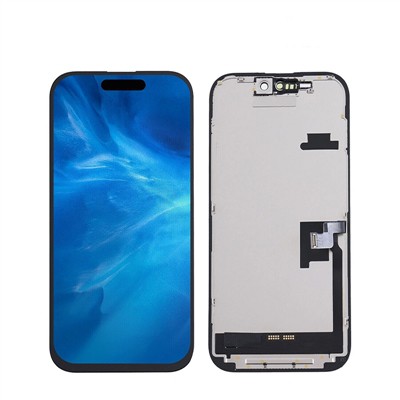
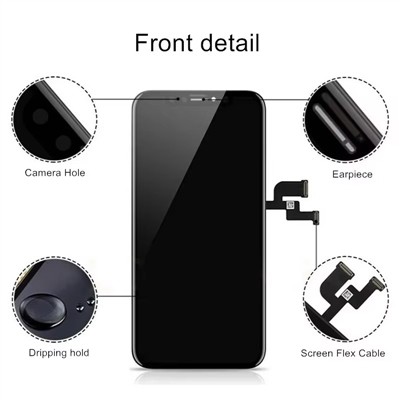
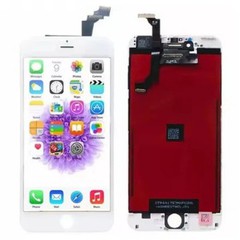
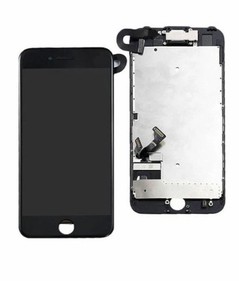
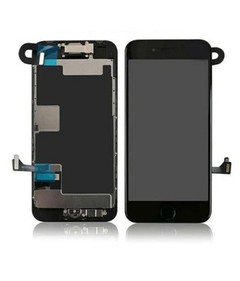
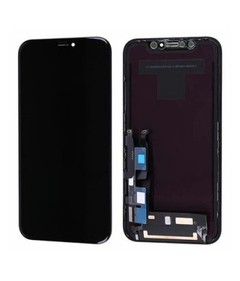
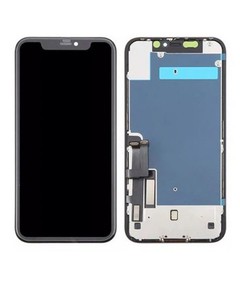
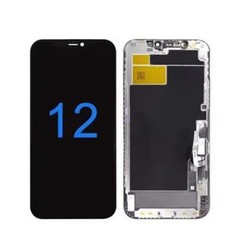
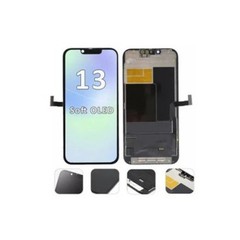
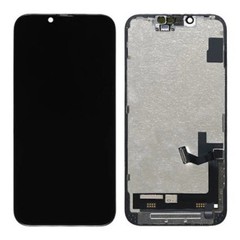
If damage is found, you may need new iPhone screen replacement parts.
Fix 7: Reconnect Screen Cables
Loose cables can cause touch problems.
Steps:
- Open device
- Reconnect display cables
- Ensure secure connection
Fix 8: Replace Screen
If the screen is faulty, replacement is necessary.
Using high-quality iPhone screen replacement parts ensures:
- Smooth touch response
- Stable performance
- Long lifespan
Fix 9: Test with New Display
Install a test screen.
If the problem disappears:
👉 The original screen is defective
Fix 10: Repair Logic Board
If all fixes fail:
- The issue may be motherboard-related
- Requires advanced repair
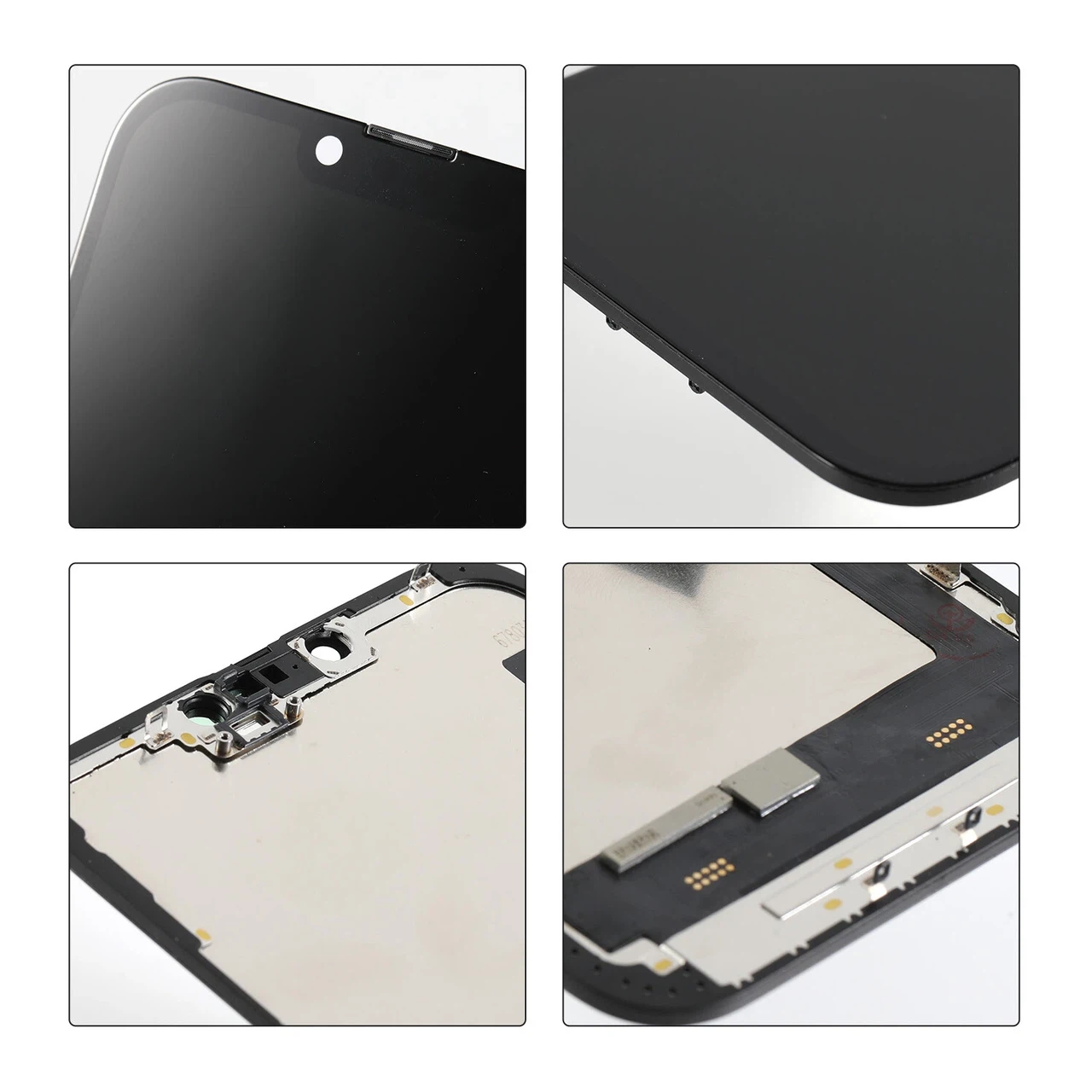
When You Need Screen Replacement?
You should perform screen replacement if:
- Touch does not respond at all
- Screen is cracked
- Display shows abnormal behavior
- Issue persists after troubleshooting
In these cases, replacing the screen is the most effective iPhone touch not working fix.
Choosing High-Quality Screen Parts
The quality of parts plays a major role in repair success.
A good screen should provide:
- Accurate touch sensitivity
- Stable display
- High durability
- Low defect rate
Working with a reliable mobile phone parts supplier ensures better results.
Where to Buy Reliable iPhone Screens?
To avoid recurring iPhone touch not working fix issues, sourcing from a trusted supplier is essential.
A professional supplier should offer:
- High-quality iPhone screen replacement parts
- Competitive pricing
- Stable inventory
- Fast shipping
You can explore reliable options here:
👉 https://www.phone-lcd-parts.com
This helps improve repair quality and customer satisfaction.
FAQs
1. Why is my iPhone touch not working?
It is usually caused by screen damage or software issues.
2. Can software cause touch problems?
Yes, but hardware issues are more common.
3. How do I fix unresponsive iPhone screen?
Try restart, update, or screen replacement.
4. Do I need to replace the screen?
If the screen is damaged or faulty, yes.
5. How to prevent touch issues?
Use high-quality parts and avoid physical damage.
6. Where to buy reliable iPhone screens?
From trusted wholesale suppliers.
Conclusion
The iPhone touch not working fix is a common issue that can be solved with the right approach. By understanding the causes and applying effective solutions, you can quickly restore device functionality.
For repair professionals, the key to success lies in using high-quality iPhone screen replacement parts. Poor-quality components are one of the main reasons for recurring issues.
To ensure reliable repairs and long-term business growth, consider working with trusted suppliers like:
👉 https://www.phone-lcd-parts.com
Start improving your repair quality today and build a stronger, more profitable business.