

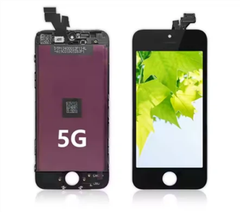
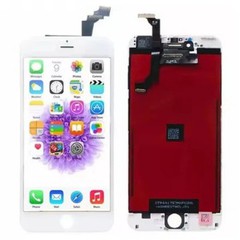
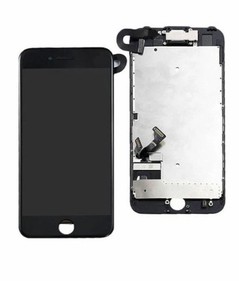
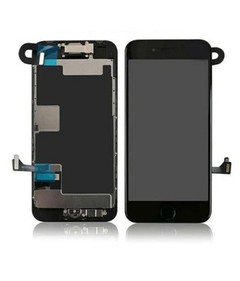
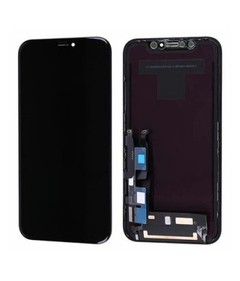
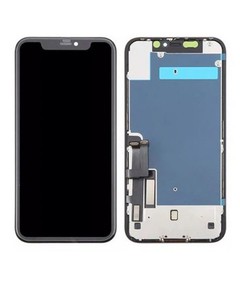

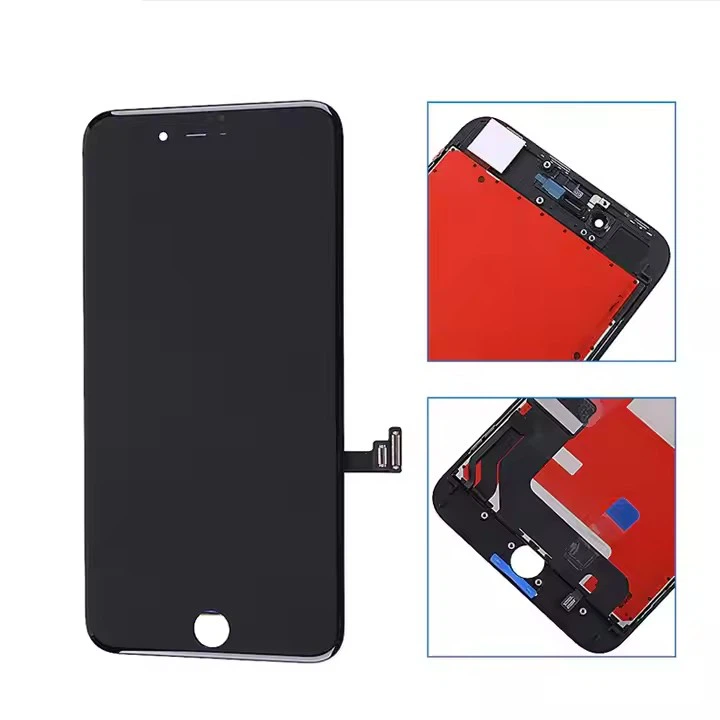
As a supplier of iPhone 8 Plus LCD screens, I often receive inquiries from customers about how to properly clean the edges of the iPhone 8 Plus LCD screen. A clean and well - maintained screen not only enhances the visual experience but also extends the lifespan of the device. In this blog, I'll share some effective methods for cleaning the edges of the iPhone 8 Plus LCD screen.
Why Cleaning the Edges of the iPhone 8 Plus LCD Screen is Important
The edges of the iPhone 8 Plus LCD screen are prone to accumulating dust, dirt, and oil over time. This build - up can not only make the device look unappealing but also potentially affect the touch - screen functionality. Dust particles can get trapped between the screen and the frame, causing scratches and reducing the clarity of the display. Additionally, oil from our fingers can leave smudges that are difficult to see through, especially in bright light conditions. Therefore, regular cleaning of the screen edges is essential for maintaining the device's performance and appearance.
Tools You'll Need
Before you start cleaning, gather the following tools:
- Microfiber Cloth: A soft microfiber cloth is ideal for cleaning the LCD screen as it won't scratch the surface. You can find these cloths at most electronics stores or online.
- Isopropyl Alcohol: A solution of 70% isopropyl alcohol can be used to remove stubborn dirt and oil. However, it's important to use it sparingly as too much alcohol can damage the screen coating.
- Cotton Swabs: These are useful for reaching the tight spaces around the edges of the screen.
Step - by - Step Cleaning Process
Step 1: Power Off the Device
Before you begin cleaning, power off your iPhone 8 Plus. This not only prevents any accidental inputs during the cleaning process but also makes it easier to see the dirt and smudges on the screen.
Step 2: Dry Clean the Edges
Take the microfiber cloth and gently wipe the edges of the LCD screen. This will remove any loose dust and debris. Make sure to use a light touch to avoid scratching the screen. If there are any large particles, you can use a can of compressed air to blow them away before wiping.
Step 3: Prepare the Cleaning Solution
If the edges of the screen are particularly dirty or greasy, you can use a small amount of isopropyl alcohol. Moisten a corner of the microfiber cloth with the alcohol solution. It's important not to soak the cloth, as excessive liquid can seep into the device and cause damage.
Step 4: Clean the Edges with the Solution
Using the dampened corner of the microfiber cloth, gently wipe the edges of the screen. Pay special attention to areas where dirt and oil tend to accumulate, such as around the buttons and the charging port. If there are any hard - to - reach areas, you can use a cotton swab dipped in the alcohol solution to clean them.

Step 5: Wipe with a Dry Cloth
After cleaning with the alcohol solution, take a dry part of the microfiber cloth and wipe the edges of the screen again. This will remove any remaining moisture and ensure that the screen is completely dry.
Step 6: Inspect the Screen
Once you've finished cleaning, power on your iPhone 8 Plus and inspect the edges of the screen. If there are still any smudges or dirt, you can repeat the cleaning process.
Precautions
- Avoid Excessive Liquid: As mentioned earlier, too much liquid can seep into the device and cause damage. Make sure to use only a small amount of cleaning solution and wring out the cloth thoroughly before using it.
- Don't Use Abrasive Materials: Avoid using paper towels, tissues, or any other abrasive materials as they can scratch the screen.
- Be Careful with the Buttons and Ports: When cleaning around the buttons and ports, be gentle to avoid damaging them.
Choosing the Right iPhone 8 Plus LCD Screen
As a supplier, I understand the importance of providing high - quality iPhone 8 Plus LCD Screen. Our iPhone 8 Plus LCD Panels For Suppliers are carefully tested to ensure they meet the highest standards of quality and performance. If you're in the market for an iPhone 8 Plus LCD screen, we also offer iPhone 8 LCD Screen for those who have different needs.
Conclusion
Cleaning the edges of the iPhone 8 Plus LCD screen is a simple but important task that can help maintain the device's appearance and performance. By following the steps outlined in this blog and using the right tools, you can keep your iPhone 8 Plus looking and functioning its best.
If you're interested in purchasing high - quality iPhone 8 Plus LCD screens or have any questions about our products, please feel free to contact us for further procurement discussions. We're committed to providing the best products and services to our customers.
References
- Apple Support: General cleaning guidelines for Apple devices.
- Electronics industry best practices for LCD screen cleaning.


