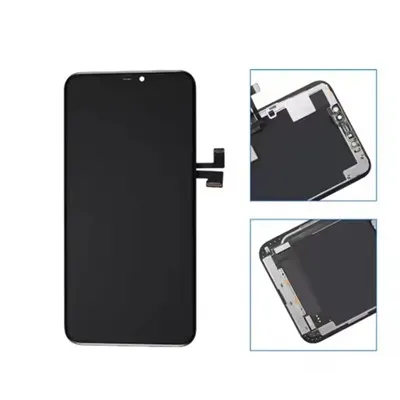
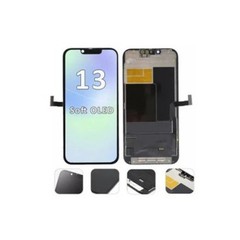
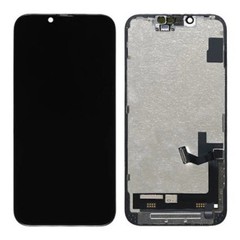
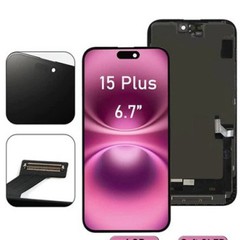
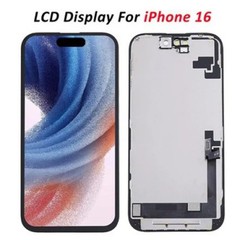

As a supplier of iPhone 14 LCD screens, I understand the importance of maintaining the cleanliness and clarity of these high - end displays. A dirty screen not only affects the visual experience but can also potentially damage the delicate components over time. In this blog, I'll share some effective ways to prevent the iPhone 14 LCD screen from getting dirty.
1. Use a High - Quality Screen Protector
One of the simplest and most effective ways to keep your iPhone 14 LCD screen clean is by applying a good screen protector. Screen protectors act as a barrier between the screen and external contaminants such as dust, fingerprints, and smudges.
There are different types of screen protectors available in the market. Tempered glass screen protectors are popular due to their durability and scratch - resistance. They can withstand normal wear and tear and are relatively easy to clean. Just wipe them with a microfiber cloth, and most of the dirt will come off.
Another option is the plastic film screen protector. These are usually more affordable and can provide a decent level of protection against fingerprints. However, they may not be as scratch - resistant as tempered glass. When choosing a screen protector, make sure it is specifically designed for the iPhone 14 LCD screen to ensure a perfect fit. You can find high - quality screen protectors for iPhone 14 series on our website, such as IPhone 14 Pro Max Screen And OLED Replacement and IPhone 14 Plus LCD Screen.
2. Keep Your Hands Clean
Our hands come into contact with all sorts of things throughout the day, including dirt, oil, and grease. When we use our iPhones, these substances can easily transfer to the screen. Therefore, it is essential to keep your hands clean before using your phone.
Wash your hands regularly with soap and water, especially before handling your iPhone. If you can't wash your hands, use a hand sanitizer to reduce the amount of dirt and oil on your hands. This simple habit can significantly reduce the number of fingerprints and smudges on your iPhone 14 LCD screen.
3. Avoid Using Your Phone in Dirty Environments
If possible, try to avoid using your iPhone in dirty or dusty environments. Places like construction sites, factories, or areas with a lot of sand can expose your phone to a high level of dust and debris. When you use your phone in these environments, the dust can settle on the screen and scratch it over time.
If you have to use your phone in a dirty environment, consider using a protective case with a built - in screen cover. This can provide an extra layer of protection against dust and dirt.
4. Clean Your Phone Regularly
Regular cleaning is crucial for maintaining a clean iPhone 14 LCD screen. Use a microfiber cloth to gently wipe the screen. Microfiber cloths are soft and can effectively remove dirt, fingerprints, and smudges without scratching the screen.
To clean the screen, turn off your iPhone first to avoid any potential damage. Then, lightly dampen the microfiber cloth with distilled water. Do not use tap water as it may contain minerals that can leave streaks on the screen. Gently wipe the screen in a circular motion, starting from the center and working your way out.
For stubborn stains, you can use a small amount of isopropyl alcohol (no more than 70% concentration). Apply a small amount of the alcohol to the microfiber cloth and then wipe the stain. Make sure to dry the screen thoroughly after cleaning to prevent any moisture from seeping into the phone.
5. Store Your Phone Properly
When you're not using your iPhone, store it in a clean and dry place. Avoid leaving it in areas where it can be exposed to dust, moisture, or direct sunlight. A phone case can also help protect the screen when the phone is stored.
If you're traveling, consider using a protective pouch or a hard - shell case to keep your phone safe. This can prevent the screen from getting scratched or dirty during transit.
6. Be Careful with Accessories
Some accessories, such as phone grips or magnetic mounts, can leave residue on the screen. When using these accessories, make sure they are clean and free of dirt and debris. If you notice any residue on the screen after using an accessory, clean it immediately.


Also, be careful when using headphones or earbuds. The cords can sometimes rub against the screen and cause scratches. Try to keep the cords away from the screen when using your phone.
7. Educate Your Family and Friends
If you share your iPhone with family members or friends, make sure they are aware of the importance of keeping the screen clean. Teach them the proper ways to handle the phone and clean the screen. This can help prevent the screen from getting dirty due to improper handling.
As an LCD Supplier For IPhone 14 Pro Replacement, we are committed to providing high - quality LCD screens for iPhone 14 series. If you have any questions about preventing your iPhone 14 LCD screen from getting dirty or if you are interested in purchasing our products, please feel free to contact us for further discussion. We are always here to assist you in maintaining the best condition of your iPhone 14 and ensuring a great user experience.
References
- Apple Inc. "iPhone User Guide."
- Various consumer electronics magazines and online resources on smartphone maintenance.