

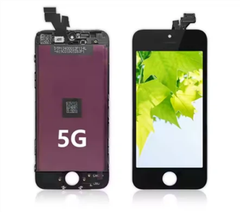
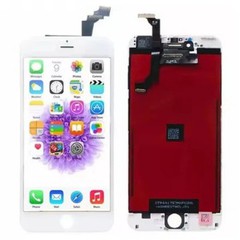
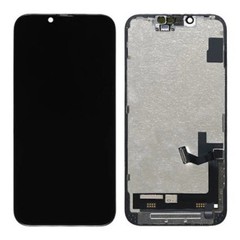
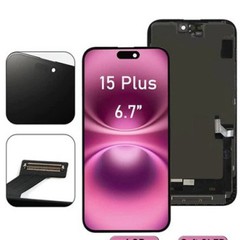
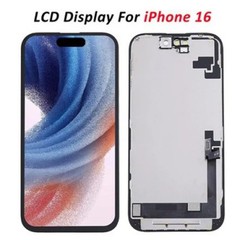

Hey there! As an iPhone 6 Plus LCD screen supplier, I've seen my fair share of issues when it comes to image quality on these devices. Whether you're a casual user or a professional photographer, having a sharp and vibrant display is crucial. In this blog post, I'll share some tips and tricks on how to improve the image quality on your iPhone 6 Plus LCD screen.
1. Adjust the Display Settings
One of the easiest ways to improve image quality is by tweaking the display settings on your iPhone 6 Plus. You can do this by going to "Settings" > "Display & Brightness." Here, you'll find several options to customize your display:
- Brightness: Adjust the brightness level to suit your environment. In bright sunlight, you may want to increase the brightness, while in a dimly lit room, you can lower it.
- True Tone: This feature adjusts the color temperature of your display based on the ambient light. It helps to make the colors look more natural and reduces eye strain.
- Color Filters: If you have color vision deficiencies or prefer a specific color palette, you can use the color filters to adjust the colors on your screen.
2. Keep Your Screen Clean
A dirty screen can significantly affect the image quality. Over time, fingerprints, dust, and smudges can accumulate on the screen, making it look dull and hazy. To keep your screen clean, use a microfiber cloth to gently wipe the screen. Avoid using harsh chemicals or abrasive materials, as they can scratch the screen.
3. Update Your Software
Apple regularly releases software updates that include improvements to the display and image quality. Make sure your iPhone 6 Plus is running the latest version of iOS to take advantage of these updates. You can check for updates by going to "Settings" > "General" > "Software Update."
4. Use High-Quality Images
The quality of the images you view on your iPhone 6 Plus can also affect the overall image quality. Make sure to use high-resolution images with a high DPI (dots per inch). You can download high-quality images from stock photo websites or take your own using a high-quality camera.
5. Consider a Screen Protector
A screen protector can help to protect your iPhone 6 Plus LCD screen from scratches and damage. It can also improve the image quality by reducing glare and reflections. There are several types of screen protectors available, including tempered glass, plastic, and anti-glare. Choose a screen protector that suits your needs and budget.
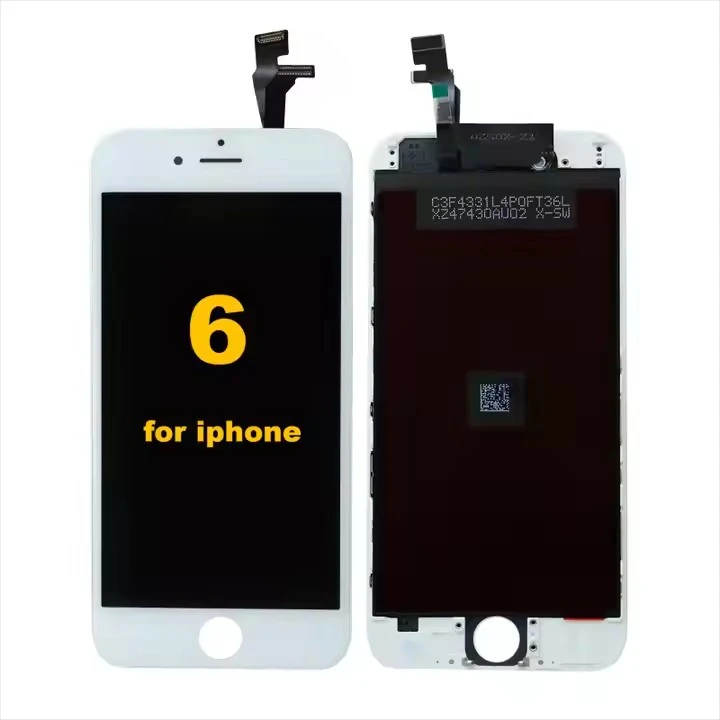

6. Check for Hardware Issues
If you've tried all the above tips and still notice a significant decrease in image quality, there may be a hardware issue with your iPhone 6 Plus LCD screen. In this case, it's best to take your device to a professional repair technician or contact Apple Support for assistance.
7. Choose the Right Supplier
If you need to replace your iPhone 6 Plus LCD screen, it's important to choose a reliable and reputable supplier. Look for a supplier that offers high-quality LCD screens, a warranty, and excellent customer service. You can find a list of B2B IPhone 6S Plus Display Suppliers on our website.
8. Consider OEM Display Panels
OEM (Original Equipment Manufacturer) display panels are designed to meet the same specifications as the original display panels used in your iPhone 6 Plus. They offer the best image quality and compatibility. You can find IPhone 6 OEM Display Panels on our website.
9. Compare Different Suppliers
Before making a purchase, it's a good idea to compare different suppliers to find the best deal. Look for suppliers that offer competitive prices, fast shipping, and a good return policy. You can find a list of LCD Display Suppliers For IPhone 6 Plus on our website.
10. Contact Us for More Information
If you have any questions or need more information about improving the image quality on your iPhone 6 Plus LCD screen, please don't hesitate to contact us. We're here to help you find the best solution for your needs.
In conclusion, improving the image quality on your iPhone 6 Plus LCD screen is easy if you follow these tips and tricks. By adjusting the display settings, keeping your screen clean, updating your software, using high-quality images, and choosing the right supplier, you can enjoy a sharp and vibrant display on your device. If you have any further questions or need assistance, please don't hesitate to contact us. We're here to help you get the most out of your iPhone 6 Plus.
References:
- Apple Support: https://support.apple.com/
- Stock Photo Websites: Getty Images, Shutterstock, Unsplash


