


Hey there, iPhone 12 Pro users! If you're currently staring at a white screen on your beloved iPhone 12 Pro LCD screen, you're probably freaking out a bit. Don't worry, I've been in the iPhone 12 Pro LCD Screen supply game for a while, and I'm here to walk you through some steps to fix that pesky white screen issue.
First off, let's understand why this white screen problem might occur. There could be a bunch of reasons. It could be due to a software glitch, a hardware issue, or maybe you just dropped your phone and jostled something inside.
Software-Related Fixes
The first thing you should try is a simple restart. Sounds too easy, right? But you'd be surprised how often this fixes the problem. Just press and hold the side button along with either volume button until the power-off slider appears. Slide it to turn off your phone, then wait a few seconds and press the side button again to turn it back on.
If a restart doesn't do the trick, you might want to try a force restart. For the iPhone 12 Pro, quickly press and release the volume up button, then quickly press and release the volume down button. After that, press and hold the side button until you see the Apple logo. This can sometimes clear up more stubborn software glitches.
Another option is to check for software updates. Apple is constantly releasing updates to fix bugs and improve performance. Go to Settings > General > Software Update. If an update is available, download and install it. This could potentially resolve the white screen issue if it's caused by a software bug.
Hardware Checks
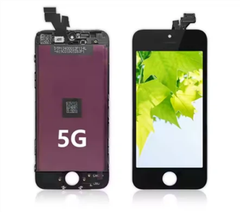
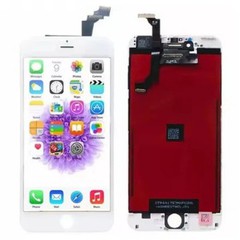
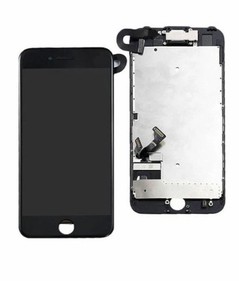
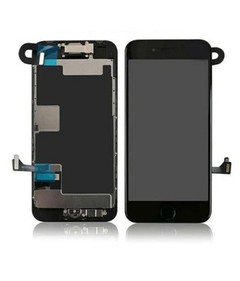
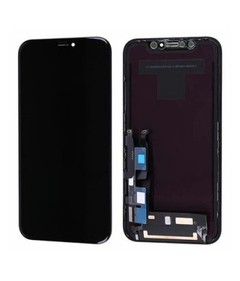
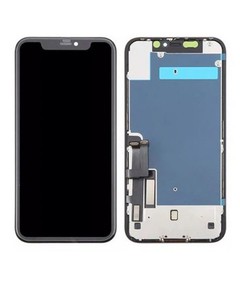
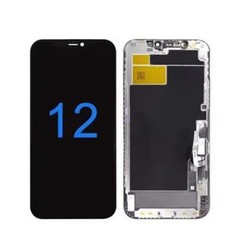
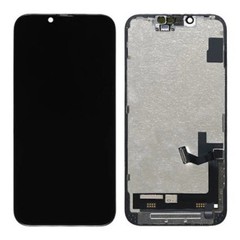
If the software fixes don't work, it's time to look at the hardware. First, check for any visible damage to the screen. If there are cracks or chips, that could definitely be the cause of the white screen. In this case, you might need to replace the screen. And that's where I come in as an iPhone 12 Pro LCD Screen supplier. We offer high-quality iPhone 12 Pro LCD Screen that are designed to fit your device perfectly and provide a clear and crisp display.
Next, check the connectors. Sometimes, the connectors between the screen and the motherboard can come loose, especially if you've dropped your phone. You can try opening up your phone (if you're comfortable doing so) and gently reseating the connectors. But be careful, as this can be a delicate process. If you're not confident, it's best to take it to a professional.
Other Possible Solutions
If you've recently installed a new app or made any changes to your phone's settings, try uninstalling the app or reverting the changes. Sometimes, a third-party app can conflict with your phone's software and cause issues like a white screen.
You can also try putting your phone in recovery mode and restoring it using iTunes or Finder on your computer. This will erase all the data on your phone, so make sure you've backed up your important files first. To put your iPhone 12 Pro in recovery mode, connect it to your computer using a Lightning cable. Press and hold the side button and either volume button until you see the recovery mode screen. Then follow the instructions on your computer to restore your phone.


When to Replace the Screen
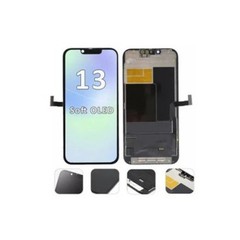
If all else fails, it might be time to replace the screen. As I mentioned earlier, we have a great selection of High-end LCD For IPhone 12 Pro Max and IPhone 12 Mini Original Screen Replacement in addition to the iPhone 12 Pro LCD Screen. Our screens are made from high-quality materials and are rigorously tested to ensure they meet the highest standards.
Replacing the screen can be a bit of a challenge, especially if you're not experienced with phone repairs. But if you're up for it, we also offer detailed installation guides to help you through the process. And if you'd rather have a professional do it, there are plenty of repair shops that can handle the job.
Conclusion
So, there you have it! A bunch of ways to fix a white screen on your iPhone 12 Pro LCD screen. I hope these tips help you get your phone back up and running in no time. If you do end up needing a new screen, don't hesitate to reach out. We're here to provide you with the best products and support. Whether you're a repair shop looking to stock up on screens or an individual in need of a replacement, we can work together to find the right solution for you. Let's get your iPhone 12 Pro looking and working like new again!
References
- Apple Support Documentation
- Personal Experience in iPhone 12 Pro LCD Screen Supply


