

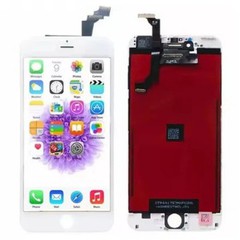
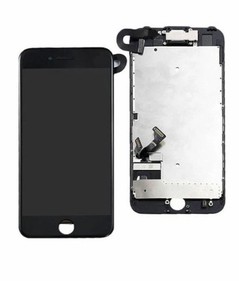
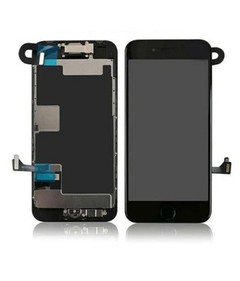
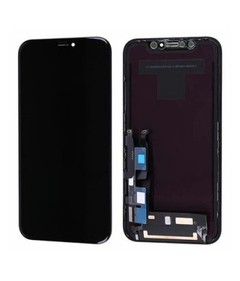
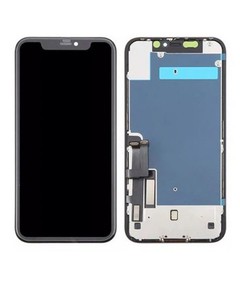
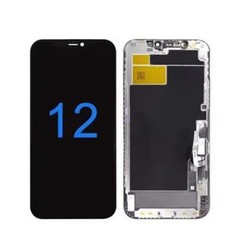
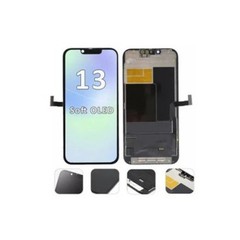
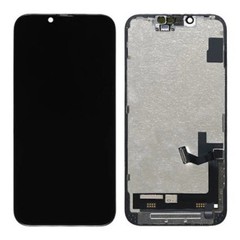
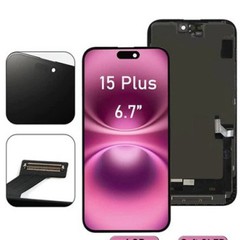
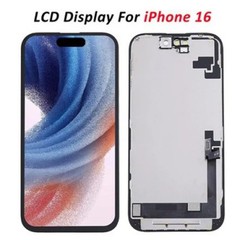


A Display Built for Real Repair Situations
Outdoor Clarity That Customers Notice Immediately
People often check their phones right outside the shop. If the display looks dull under sunlight, they walk back in. To prevent that, I use a stronger backlight with a clean diffusion layer. The brightness stays steady, and colors remain natural instead of washed out. It's one of the first things repair stores comment on when they test the screen.
Touch Response That Feels Right
Some panels look fine but feel strange to use. I've seen customers swipe once and sense something off. That's why I tune the touch layer carefully. Corners respond smoothly, and the keyboard reacts with the same timing people expect from an Apple device. It's not something that shows up on a spec sheet, but it matters in day-to-day use.
A Flex Cable That Doesn't Fail Under Pressure
During installation, technicians bend the flex cable often, sometimes more than they realize. I test each design through repeated bending so it doesn't fail halfway through the job. A strong cable cuts down both installation time and after-sales complaints.
Frame Alignment That Makes the Job Easier
Fit matters. When a frame lines up neatly with the housing, the phone closes without force and without small gaps. I shape each frame to avoid the light leaks and corner lifts that many lower-tier replacements suffer from.
Installation Tips Based on Actual Factory and Field Experience

Technicians work fast, so simple habits help prevent headaches later.
● Disconnect the battery first-always.
● Hold the panel from the sides to keep pressure off the display surface.
● Keep dust away from the sensor area; even a tiny speck can cause strange touch behavior.
● Double-check screw lengths so the frame doesn't warp.
These aren't complicated rules, but they solve many issues before they start.
iPhone LCD Display Calibration Instruction
I follow a consistent iPhone LCD display calibration instruction in production, and I usually suggest technicians do a quick post-installation check as well:
● Turn on True Tone so the device aligns the color balance with the new display.
● View white, black, and gray screens to spot any irregular brightness.
● Adjust the warmth if a customer prefers a specific tone.
● Test touch in slow swipes and quick taps across the whole screen.
This short routine brings the display closer to the original experience and reassures the customer right away.

iPhone LCD Color Uniformity Test vs Original
When I run the iPhone LCD color uniformity test vs original, I focus less on numbers and more on how the display looks to the eye.
White Tone
If white drifts too far in either direction-too warm or too cool-users notice immediately. I tune the panel to sit near the original Apple white point.
Brightness Balance
I check brightness in several zones. A dim corner or bright patch catches attention fast, especially on light backgrounds. Uniformity matters more than raw brightness.
Gamma and Color Feel
Skin tones, blues, and reds tell the story. If those colors look unnatural, the user senses the difference right away. I adjust the display so the general tone feels close to the original panel.
Why B2B Buyers Continue Working With This Series

● Predictable supply for steady wholesale orders
● Consistent performance across batches
● Straightforward factory pricing
● Practical technical support backed by long-term production
● Low fault rates that reduce after-sales burden
The goal is simple: give repair businesses a part they can open, install, and trust. Every improvement I make comes from real conversations with technicians and the challenges they deal with daily.
Packaging

Factory Display


Hot Tags: iphone 16 pro max lcd replacement parts, China iphone 16 pro max lcd replacement parts manufacturers, suppliers, factory, iPhone 16 Pro Max LCD Screen, lcd for iphone 16 series, IPhone 16 Plus LCD Screen, iPhone 16 LCD Screen, iPhone 16 Pro LCD Screen


