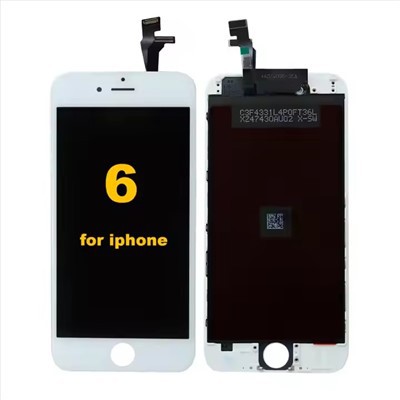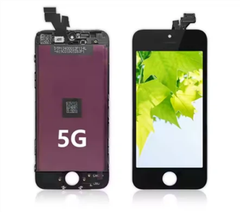
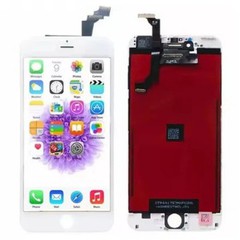
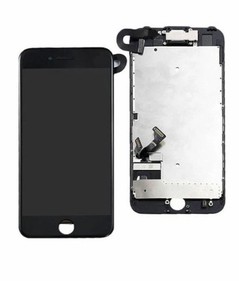
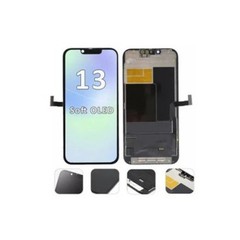
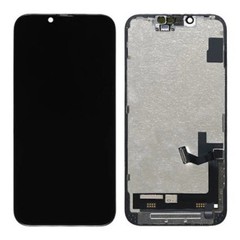
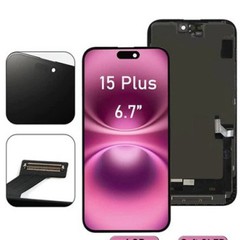
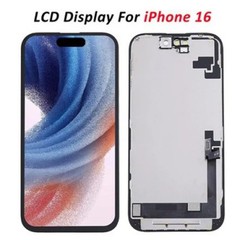

Hey there! I'm a supplier of iPhone 7 Plus LCD Screens, and I often get asked, "Can I replace the iPhone 7 Plus LCD screen by myself?" Well, let's dive right into this topic and find out.
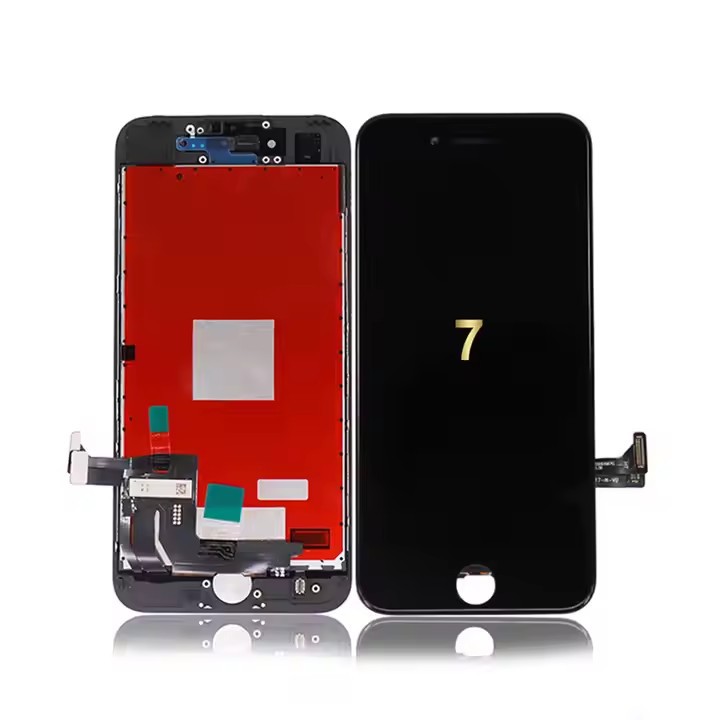
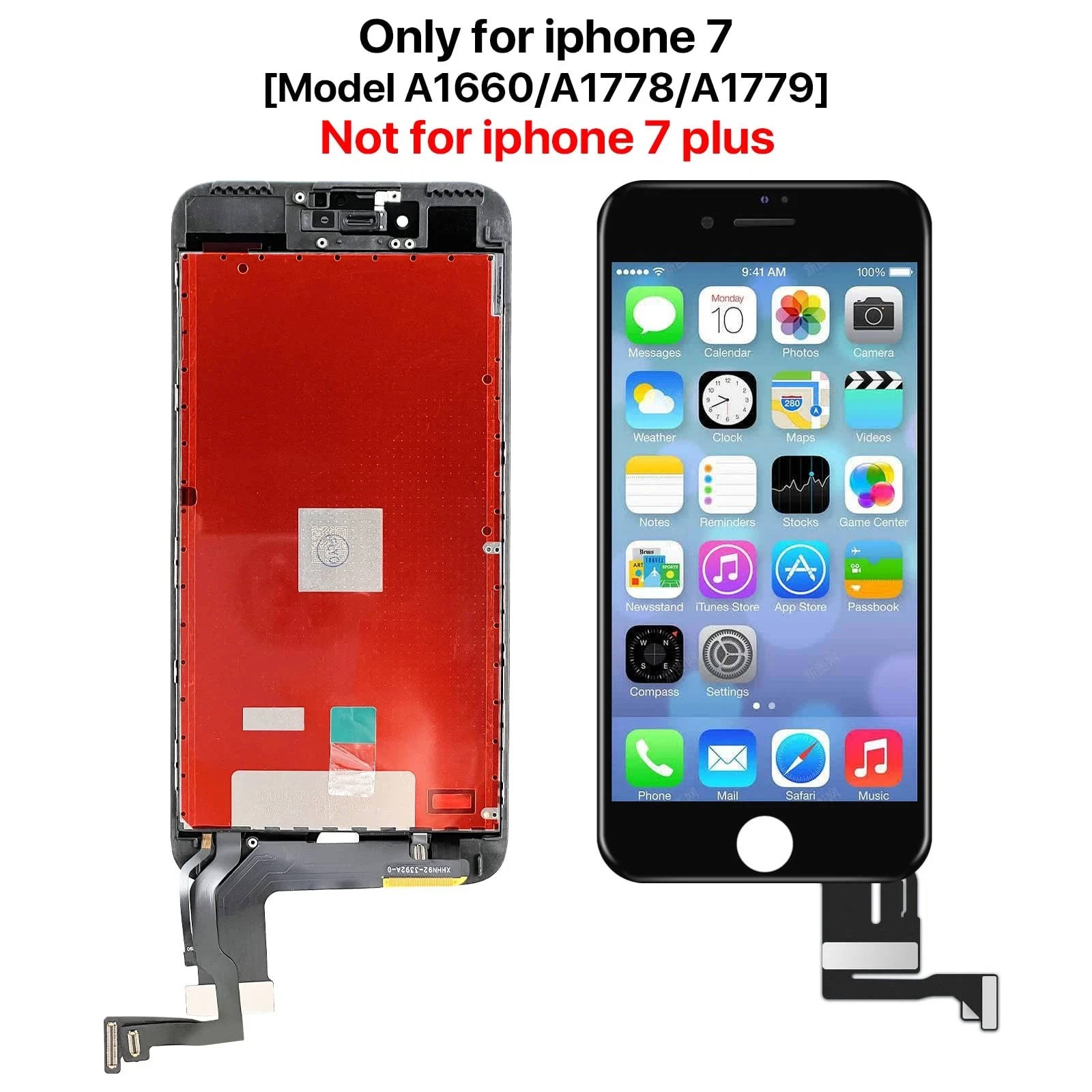
First off, let's talk about why you might want to replace the LCD screen of your iPhone 7 Plus. Maybe you dropped your phone, and the screen cracked. Or perhaps the display has some dead pixels, making it hard to see what's going on. Whatever the reason, a broken or malfunctioning LCD screen can really put a damper on your iPhone experience.
Now, the big question: Can you replace it yourself? The short answer is yes, you can. But it's not as simple as just popping in a new screen. There are a few things you need to consider before you take on this DIY project.
What You'll Need
To replace the iPhone 7 Plus LCD screen, you'll need a few tools. You can find these tools at most hardware stores or online. Here's a list of what you'll need:
- Pentalobe Screwdriver: This is a special screwdriver that's used to remove the screws on the bottom of the iPhone. You can't use a regular screwdriver for this.
- Phillips Screwdriver: You'll need this to remove the other screws inside the phone.
- Spudger: A spudger is a small, flat tool that's used to pry open the phone and disconnect the cables.
- Tweezers: Tweezers can be helpful for handling small parts and cables.
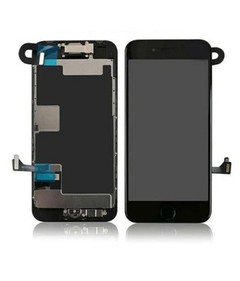
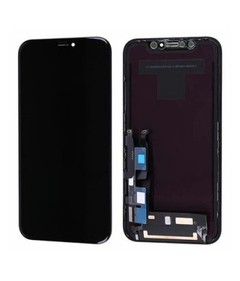
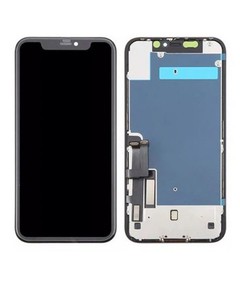
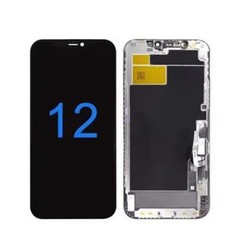
- Replacement LCD Screen: Of course, you'll need a new iPhone 7 Plus LCD Screen. Make sure you get a high-quality screen from a reputable supplier. I'm biased, but I think our screens are top-notch!
The Process
Once you have all the tools and the replacement screen, it's time to get started. Here's a step-by-step guide on how to replace the iPhone 7 Plus LCD screen:
- Power Off Your Phone: This is a no-brainer. You don't want to be working on a live phone.
- Remove the Bottom Screws: Use the pentalobe screwdriver to remove the two screws at the bottom of the phone.
- Open the Phone: Use the spudger to gently pry open the back of the phone. Start at the bottom and work your way around the edges. Be careful not to break the clips that hold the back in place.
- Disconnect the Battery: Once the back is open, you'll see the battery. Use the spudger to disconnect the battery cable. This is important for your safety.
- Remove the Old LCD Screen: There are several screws and cables that hold the LCD screen in place. Use the Phillips screwdriver to remove the screws, and the spudger to disconnect the cables. Be careful not to damage the cables or the connectors.
- Install the New LCD Screen: Carefully place the new iPhone 7 Plus LCD Screen in the same position as the old one. Reconnect the cables and screw everything back in place.
- Reconnect the Battery: Once the new screen is installed, reconnect the battery cable.
- Close the Phone: Put the back of the phone back on and use the pentalobe screwdriver to replace the two screws at the bottom.
The Challenges
While it's possible to replace the iPhone 7 Plus LCD screen by yourself, there are some challenges you might face. For example, the iPhone 7 Plus is a complex device, and there are many small parts and cables that need to be handled carefully. One wrong move, and you could damage the phone or the new screen.
Another challenge is that the replacement process can be time-consuming. It's not something you can do in a few minutes. You'll need to set aside some time and be patient.
The Benefits
On the other hand, there are also some benefits to replacing the LCD screen yourself. For one, it can save you money. Taking your phone to a professional repair shop can be expensive, especially if you need to replace the screen. By doing it yourself, you only need to pay for the cost of the replacement screen.
Another benefit is that you'll learn a lot about how your phone works. You'll get a better understanding of the internal components and how they're connected. This can be useful if you ever need to do other repairs or upgrades in the future.
Other Considerations
If you're not comfortable replacing the LCD screen yourself, you can always take your phone to a professional repair shop. Just make sure you choose a reputable shop that uses high-quality parts.
Also, keep in mind that replacing the LCD screen yourself might void your phone's warranty. If your phone is still under warranty, it's a good idea to check with Apple or your carrier before you start the replacement process.
Our Screens
As a supplier of iPhone 7 Plus LCD Screen, I can tell you that we take pride in the quality of our products. Our screens are made from high-quality materials and are tested to ensure they meet the highest standards.
We also offer a wide range of other LCD screens, including iPhone 7 LCD Screen. Whether you need a screen for your iPhone 7 Plus or iPhone 7, we've got you covered.
Contact Us for Purchasing
If you're interested in purchasing an iPhone 7 Plus LCD Screen or any other LCD screens from us, we'd love to hear from you. We offer competitive prices and excellent customer service. Whether you're a repair shop looking to stock up on parts or an individual looking to replace your own screen, we can help. Just reach out to us to start the procurement negotiation process, and we'll work with you to meet your needs.
References
- Apple Support Documentation
- iPhone Repair Guides from iFixit
So, there you have it. You can replace the iPhone 7 Plus LCD screen by yourself, but it's not without its challenges. If you're up for the task, go for it! And if you need a high-quality replacement screen, don't hesitate to get in touch with us.